I Switched Password Managers at 35,000 Feet
A difficult login over airplane Wi-Fi forced me to act on research I had already done: leave NordPass, move to 1Password, and stay loyal to the workflow rather than the vendor.
Listen to this post
I Switched Password Managers at 35,000 Feet
On this page5 sections
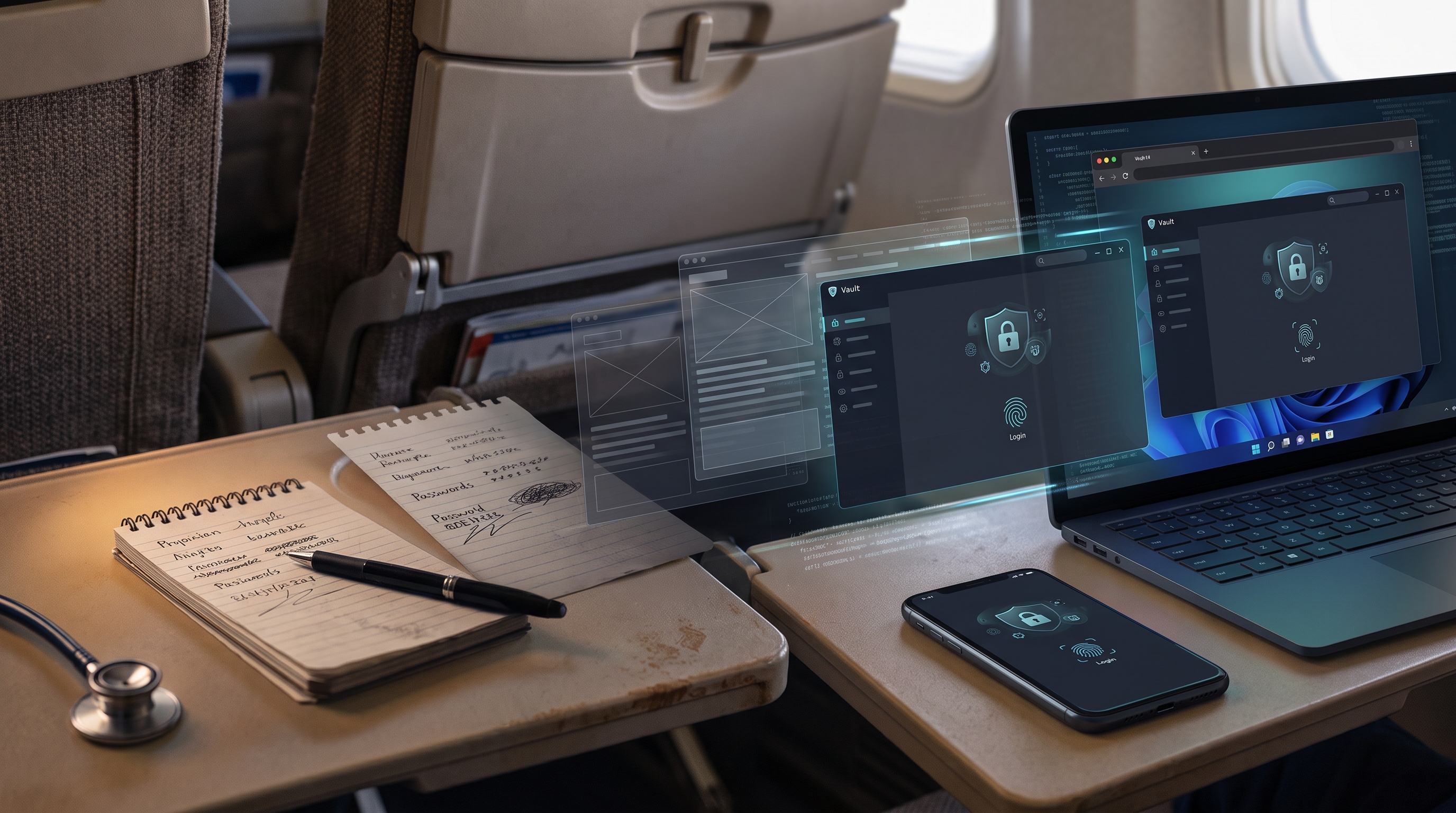
Somewhere over the Atlantic, on a flight from Nigeria back to the United States, I needed a password.
The airplane Wi-Fi was slow. NordPass was giving me problems again. What should have been a routine login became another small negotiation with software that was supposed to remove friction.
I had spent part of my vacation in Nigeria researching password managers. I had compared the options, read the reviews, and thought carefully about what I needed across Windows, mobile devices, browsers, and the rest of my workflow. I had not made the move.
That flight settled it.
I was sick and tired of working around the same problems. Before we landed in the United States, I decided to leave NordPass and move to 1Password.
The decision was not really about which company had the better marketing page. It was about a more durable principle: a security tool has to remain usable when the network is poor, the environment is constrained, and the user has no patience left to spare.
I Started With a Password Book
My first password manager was paper.
I kept passwords in a small book. It was simple, familiar, and completely dependent on my handwriting, my memory, and knowing where I had placed it.
That system eventually collapsed under scale. Medicine and ordinary life both moved deeper online. I needed unique credentials for clinical, financial, professional, development, and personal accounts. A notebook could record those credentials, but it could not generate strong passwords, recognize a login screen, synchronize across devices, or warn me when I had reused one.
So began a longer migration: LastPass, then Bitwarden, then NordPass, and now 1Password.
Every move made sense at the time.
LastPass showed me the basic value of a digital vault. Bitwarden appealed to me because of its cross-platform support and open-source approach. In December 2025, I subscribed to NordVPN and moved to NordPass as part of the same ecosystem. One vendor. One security stack. A modern interface.
That was a reasonable decision. It was not a permanent obligation.
The Flight Exposed the Friction Budget
Every secure workflow has a friction budget.
People will tolerate a finite number of extra steps to protect something important. After that budget is exhausted, they begin creating workarounds. They reuse a familiar password. They save credentials in a browser they did not intend to trust. They leave a vault unlocked longer than they should. They copy sensitive information somewhere easier to reach.
The security model may still look excellent on paper. The human behavior around it has already started to fail.
Airplane Wi-Fi is a useful stress test because it removes the conditions under which software usually looks its best. The connection is slow and intermittent. Authentication can stall. Synchronization becomes visible. Every unnecessary dependency announces itself.
That does not mean a password manager must perform perfectly without a network connection in every circumstance. It means the product has to earn trust under imperfect conditions, because imperfect conditions are part of the real workflow.
For physicians, this is familiar. A clinical system is not judged only during a demonstration on a fast network with a clean test account. It is judged when the schedule is compressed, a patient is waiting, and the information needed for the next decision is trapped behind friction.
Security software deserves the same standard.
Research Did Not Make the Decision. Failure Did.
During my time in Nigeria, I did what I usually do before changing an important tool. I researched the alternatives. I compared the security posture, cross-platform support, interface quality, export options, and the ordinary mechanics of daily use.
1Password kept rising to the top of that evaluation.
Still, research alone did not move my vault. Migration has a cost. Passwords, secure notes, recovery information, browser extensions, mobile applications, and family habits all have to move with it. The familiar tool retains an advantage simply because it is already installed.
That is the migration tax. It keeps many of us inside software that no longer serves us well.
The flight changed the calculation. The cost of staying had become more visible than the cost of moving.
After the migration, 1Password felt polished across mobile, Windows, and the web. More important, it reduced the number of moments in which security felt like a separate task. I could reach the credential I needed and continue working.
That is not a universal verdict on NordPass. It is an account of fit. NordPass may work well for someone whose devices, network conditions, and preferences are different from mine. Bitwarden remains a strong option for users who prioritize open-source software and control. The point is not that every reader should reproduce my stack.
The point is that no stack should be protected from reassessment.
Platform Loyalty Is Not Workflow Loyalty
Physician-developers make technology decisions constantly. We choose code editors, cloud platforms, AI models, note systems, electronic health records, ambient documentation tools, and security infrastructure.
The danger is that familiarity begins to look like architecture.
We learn a product. We configure it. We build habits around it. Then we defend the product long after the original reasons for choosing it have changed.
That is vendor loyalty. Workflow loyalty is different.
Workflow loyalty protects the outcome: secure access, reliable performance, appropriate data protection, low cognitive burden, and the ability to leave. The software is a replaceable component inside that outcome.
This is why data export matters. It is why open formats matter. It is why recovery procedures should be understood before they are needed. A system that works well but makes departure impossible is not merely convenient software. It is a dependency you do not fully control.
The same reasoning applies in clinical software. An EHR, AI scribe, or decision-support platform should be evaluated by what it does inside the real workflow, not by how long the institution has already paid for it. The physician-developer’s responsibility is to the function and its consequences. It is not to the vendor.
The Best Password Manager Is the One You Will Actually Use
Encryption, audits, passkeys, multifactor authentication, and breach monitoring matter. They are necessary parts of evaluating a password manager.
They are not the entire evaluation.
A password manager also has to be reliable enough that you use it every day, across every device, without quietly building a second and less secure system around its failures. Usability is not decoration applied after security. Usability is part of whether the security model survives contact with a human being.
Today, 1Password is the right tool for me. That conclusion is personal. It may not be permanent.
My password book had its season. So did LastPass, Bitwarden, and NordPass. The durable lesson is simpler.
Be loyal to the problem you are solving, not to the software currently solving it.
This article reflects my personal experience. It is not sponsored by 1Password, NordPass, or any other password-manager company.
Related articles

The Last Step Is Not Software. It Is Judgment.
Clinical software can execute protocol logic perfectly and still be wrong for the patient. The physician checkpoint must remain part of the architecture.
Build the Clinical Engine Before the Interface
A reliable clinical application separates guideline logic from presentation, tests expected behavior, and carries provenance into every recommendation.
Make the Clinical Logic Visible Before You Code
Translate a clinical protocol into explicit inputs, branches, thresholds, exceptions, and failure states before choosing a programming language.

Maternal-Fetal Medicine Specialist