GitHub for Physicians: Why Version Control Changes How You Build
Most physician-developers lose code the same way: no backups, no history, no way to recover. Here is why version control matters.
In This Lesson
Read with a defined objective.
Learning objectives
- Distinguish Git from GitHub.
- Explain how commits preserve the history of a project.
- Create the minimum structure for a durable repository.
Prerequisites
- A small project idea with one defined output.
Learn to Code Physician-Developer Foundations
Listen to this post
GitHub for Physicians: Why Version Control Changes How You Build
On this page8 sections
I built a Python script in late 2023 that parsed obstetric risk factors from free-text clinical notes and flagged patients who met preeclampsia screening criteria. It worked. I ran it twice, shared it with a colleague, and then reformatted my laptop.
The script was gone. No backup. No history. No version that ran six months ago to compare against the one I would eventually rebuild from memory.
That was the last time I wrote code without version control.
What GitHub Actually Is (And What It Is Not)
GitHub is not a coding platform. It is not a place where you go to find AI tools, though you can do that there. It is a hosting service for Git repositories.
Git is the version control system. GitHub is where you store it, share it, and collaborate on it.
The distinction matters because the useful thing is Git, not GitHub. GitHub makes Git accessible and gives you a web interface, collaboration tools, and a public profile that shows what you build. But the core skill is understanding what version control does and why physicians who code need it.
Why Physicians Lose Code
Most doctors who write code operate the way I did before 2023: files on a laptop, maybe a copy in a cloud folder, no systematic history of what changed or why.
This works until it does not.
A reformatted machine. A corrupted drive. A script that ran correctly for three months and then failed after a system update, with no way to trace what changed. A collaboration where two people worked on the same file and overwrote each other’s edits.
These are not edge cases. They are the standard failure modes of code without version control.
How Git Solves This
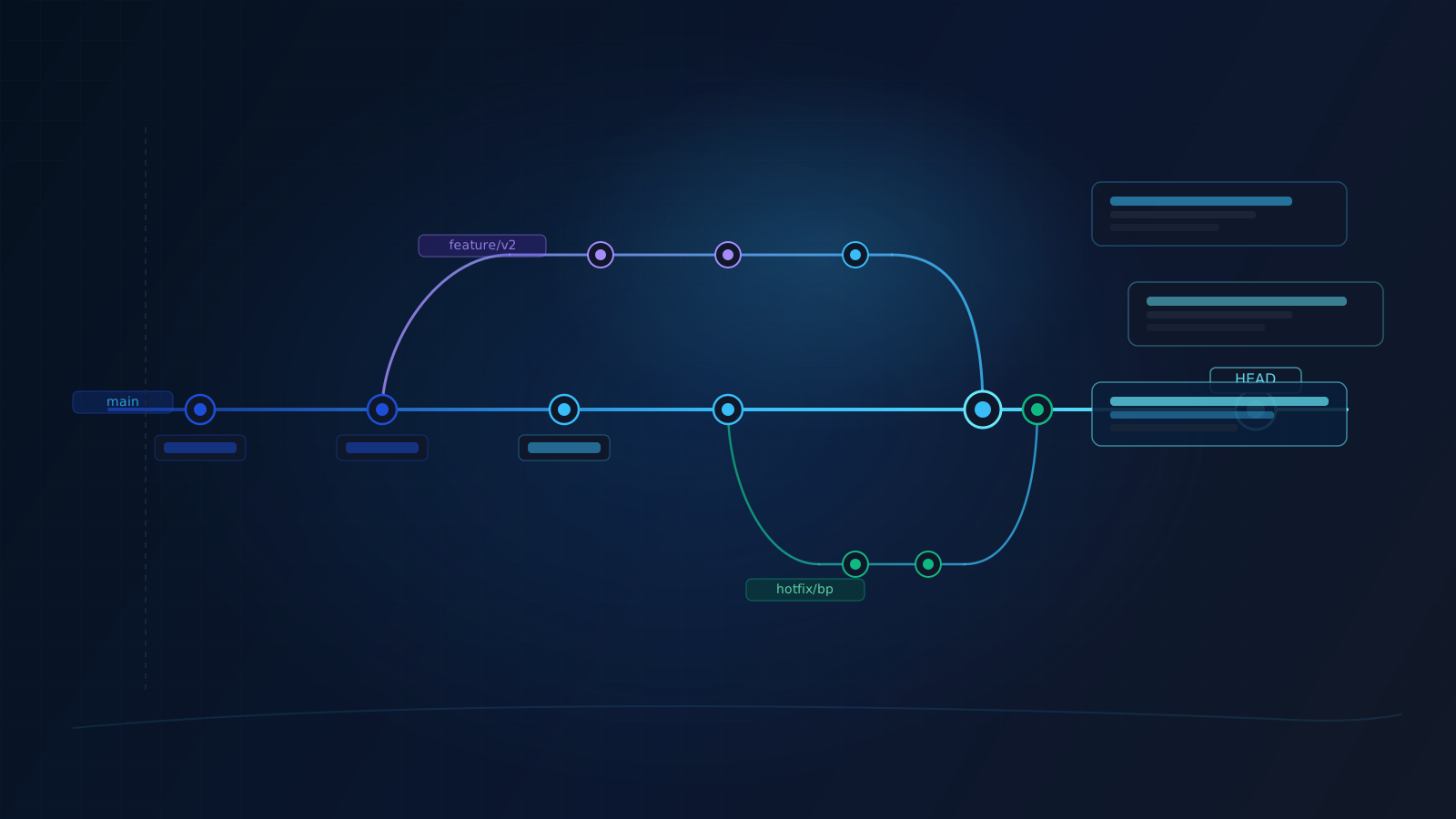
Git tracks every change you make to a file, with a timestamp and a message you write explaining what you did. You can travel backward to any previous state of your project. You can create a branch to try a new approach without breaking what already works, and merge it back when you are satisfied.
The basic workflow is three commands:
git add .
git commit -m "Add gestational age filter to risk calculator"
git push
That is it. That commit is now permanent, retrievable, and annotated.
A year from now, when something breaks, you can run git log and see exactly
what changed and when.
Setting Up Your First Repository
You need two things: a GitHub account and Git installed locally.
Create a GitHub account at github.com. Then install Git:
# macOS (using Homebrew)
brew install git

# Windows
# Download from git-scm.com

# Ubuntu / Debian Linux
sudo apt install git
Configure your identity:
git config --global user.name "Your Name"
git config --global user.email "your@email.com"
Then initialize a repository for any project folder you already have:
cd /path/to/your/project
git init
git add .
git commit -m "Initial commit"
To connect it to GitHub:
- Create a new repository on github.com (click the
+in the top right) - Copy the remote URL it gives you
- Run:
git remote add origin https://github.com/yourusername/your-repo-name.git
git push -u origin main
Your code is now backed up, versioned, and accessible from any machine.
The Honest Case for Doing This
I am not going to tell you version control will make you a better programmer. It will not, directly. What it does is remove the single biggest source of friction in sustaining a project over time.
Most physician-developer projects die not because the idea was bad but because the code became fragile, undocumented, and unrecoverable. A Python script that lives on one laptop is a liability. The same script in a Git repository with a clear commit history is an asset.
The overhead is about ninety seconds per work session. The return is the ability to keep building on the same foundation, across machines, across collaborators, across years.
If you write code for any clinical purpose, version-control it. GitHub is the lowest-friction way to do that.
What Comes Next
Once you have Git and a repository set up, the next natural step is turning that foundation into a real working habit. The technical setup only matters if it leads to an actual project you come back to.
That is the subject of Your First Week on GitHub as a Physician: A Practical Starter Plan.
Keep Going
Version control is not a side skill. It is the difference between a fragile side project and a durable body of work.
Next, read Your First Week on GitHub as a Physician: A Practical Starter Plan.
If you are still deciding whether this path is for you, go back to Stop Lurking: Why Physicians Should Start GitHub Before They Feel Ready.
Doctors Who Code Series
This post is part of the Doctors Who Code series, a practical roadmap for physicians who want to build software, understand clinical data, and move into medical AI without hype.
Related articles
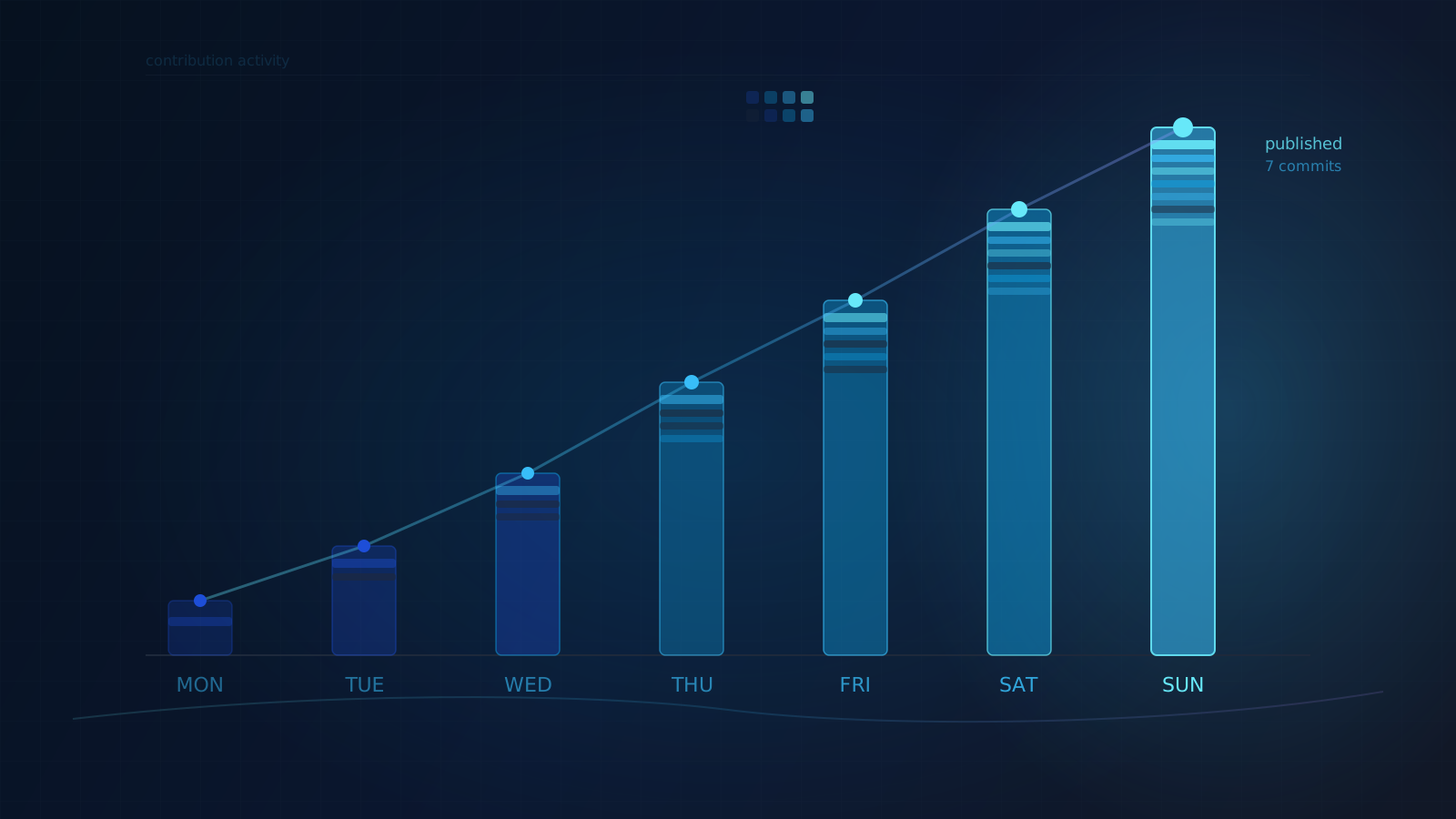
Your First Week on GitHub as a Physician: A Practical Starter Plan
Not a tutorial on becoming a developer. A seven-day plan for a busy physician to go from zero to a real project in a repository they will actually return to.
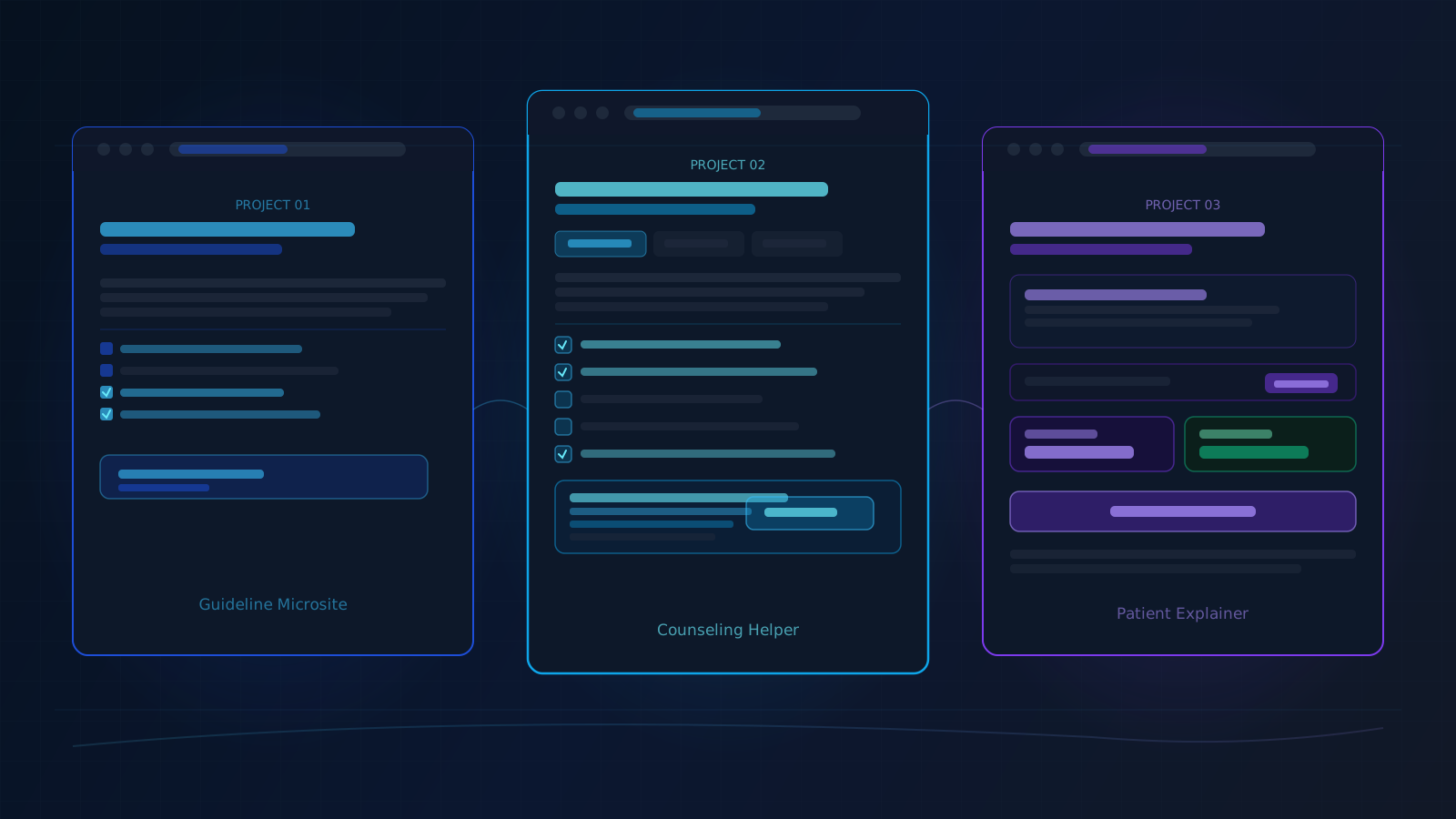
Three GitHub Projects Physicians Can Actually Finish
Most physician-developer projects fail not because the ideas are bad but because the first build is too large. Here are three that are sized to finish.
Stop Lurking: Why Physicians Should Start GitHub Before They Feel Ready
Most physicians assume GitHub is for real developers. That assumption is costing medicine. Here is why the barrier is not skill, and what to do instead.

Maternal-Fetal Medicine Specialist