Your First Week on GitHub as a Physician: A Practical Starter Plan
Not a tutorial on becoming a developer. A seven-day plan for a busy physician to go from zero to a real project in a repository they will actually return to.
In This Lesson
Read with a defined objective.
Learning objectives
- Write a README that defines the problem before the implementation.
- Use meaningful commits to document progress.
- Plan one improvement based on actual use.
Prerequisites
- A GitHub account.
- A project small enough to finish in one week.
Learn to Code Physician-Developer Foundations
Listen to this post
Your First Week on GitHub as a Physician: A Practical Starter Plan

On this page12 sections
The first time I tried to get a physician colleague set up on GitHub, we spent forty minutes on account creation, SSH keys, and terminal configuration before she touched a single line of her own project.
She did not come back the next week.
I ran that introduction wrong. I started with the infrastructure instead of the problem she was trying to solve.
This is the version of that conversation I wish I had given her.
What This Week Is Actually For
Not to make you a developer. Not to teach you version control theory. Not to position you for a career in health tech.
This week has one purpose: to prove to yourself that a clinical frustration can become a living project on GitHub.
That sounds modest. It is not. Most physician-builders never clear this bar. They stay in the planning stage, accumulate more knowledge about tools, and never commit a single file. A week that ends with a real repository and a realistic next step is more valuable than months of passive learning.
Do the seven days in order. Resist the urge to skip ahead.
Day 1: Account and Identity
Create the GitHub account at github.com.
Add a profile photo. Write one paragraph in the bio that tells the honest truth about who you are and what you are doing here.
Something like:
Maternal-Fetal Medicine specialist interested in clinical decision tools and workflow software. Building things that help in practice.
That is enough. You do not need to wait until you have shipped something to describe yourself as a builder. The account is the declaration that you intend to build.
Day 2: One Repository for One Specific Problem
Not five repositories. Not a grand portfolio plan.
One.
Pick a problem small enough to describe in two sentences. The smaller and more specific, the better. Some examples from real physician-developer starting points:
- A postpartum blood pressure medication reference page
- An aspirin counseling checklist for high-risk pregnancies
- A fetal kick count explainer for patients
- A gestational age calculator that runs in a browser
Create a new repository for that specific idea. Give it a name that is descriptive, not clever. Set it to private if you want. Click create.
The point is to give the problem a home. Everything else follows from that.
Day 3: Write the README Before You Write Code
This is the step most beginners skip. Skip it and you will regret it.
A README is not bureaucracy. It is clinical reasoning applied to software. It forces you to articulate what the problem actually is, who the tool serves, and what the first version will and will not do.
Write these five things:
What is the problem? One or two sentences. Be specific. “Patients frequently ask about kick counting thresholds at the 28-week visit and the handout we give them is confusing” is a problem. “Improving patient education” is not.
Who is the tool for? Patient-facing or clinician-facing? What clinical setting?
What does version one do? Describe the simplest possible version. If you cannot describe it in a sentence, it is still too large.
What does version one not do? Scope limits are not failures. They are decisions.
What does success look like? Something specific and observable.
That document is worth more than a week of random coding. It is your clinical specification. Return to it whenever you feel lost in the build.
Day 4: Build the Embarrassingly Simple First Version
The first version should be small enough that you are slightly embarrassed by it.
A single HTML file. A basic form. Plain text and one button. No styling worth mentioning. Maybe fifty lines of code, maybe fewer.
Good.
Your job on day four is to move from concept to artifact. Not to impress anyone. Not to handle every edge case. Not to make it look production-ready.
Make the thing exist. That is the whole goal.
Day 5: Commit with Messages That Mean Something
Now use GitHub the way it is designed to be used.
Stage your files and write commit messages that describe the decision, not just the action.
Not: update
Not: fix
Not: stuff
Write messages like:
add initial gestational age input field
draft README with project scope and non-goals
create basic output section with threshold text
These messages are a record of your thinking. Six months from now, when you return to this project or share it with someone, that record will matter.
The mechanics:
git add .
git commit -m "add initial kick count threshold display"
git push
If you are not using the command line yet, GitHub Desktop gives you the same workflow without the terminal. Both are fine at this stage.
Day 6: One Improvement from Actual Use
Pretend you are the user. Or better, show the tool to one colleague or patient in a low-stakes setting.
Ask: where is the confusion? What would save one step? What wording would you change? What would make this safer to use?
Then make one revision. Not a redesign. One revision.
This is the beginning of product thinking. It is also where the clinical advantage physician-developers have actually shows up. You know what the user needs because you are the user. That is not a small thing.
Day 7: Publish or Plan
At the end of the week, do one of two things.
If the project is simple enough, publish it. GitHub Pages can host a static HTML page for free in about five minutes. You will have a URL you can share.
If it is not ready to publish, write the next three specific tasks in the repository’s Issues tab. Not vague ideas. Specific next steps you can act on in thirty minutes each.
Either outcome puts you well ahead of most physicians who intend to build something someday.
What Not to Do This Week
Do not spend time comparing JavaScript AI libraries. Do not research machine learning frameworks. Do not read a book about software architecture. Do not wait until you feel more technically prepared.
The bottleneck in week one is almost never technical knowledge. It is hesitation, perfectionism, and scope creep.
The week works if you finish it with a repository that has a README, at least one committed file, and a clear next step. That is the bar.
Where This Goes
A completed first project teaches you more than any tutorial because it exposes the real problems: scope management, documentation habits, the gap between what you imagined and what you built.
Those lessons compound.
If you are still figuring out which problem to tackle, read about why physicians should start GitHub before they feel ready. For specific project ideas sized right for a busy physician, three GitHub projects physicians can actually finish gives you a concrete starting menu.
Keep Going
A repository is only the beginning. The next mistake most physician-builders make is choosing a first project that is too large to survive real clinical life.
Read Three GitHub Projects Physicians Can Actually Finish before you pick what to build next.
Doctors Who Code Series
This post is part of the Doctors Who Code series, a practical roadmap for physicians who want to build software, understand clinical data, and move into medical AI without hype.
Related articles

GitHub for Physicians: Why Version Control Changes How You Build
Most physician-developers lose code the same way: no backups, no history, no way to recover. Here is why version control matters.
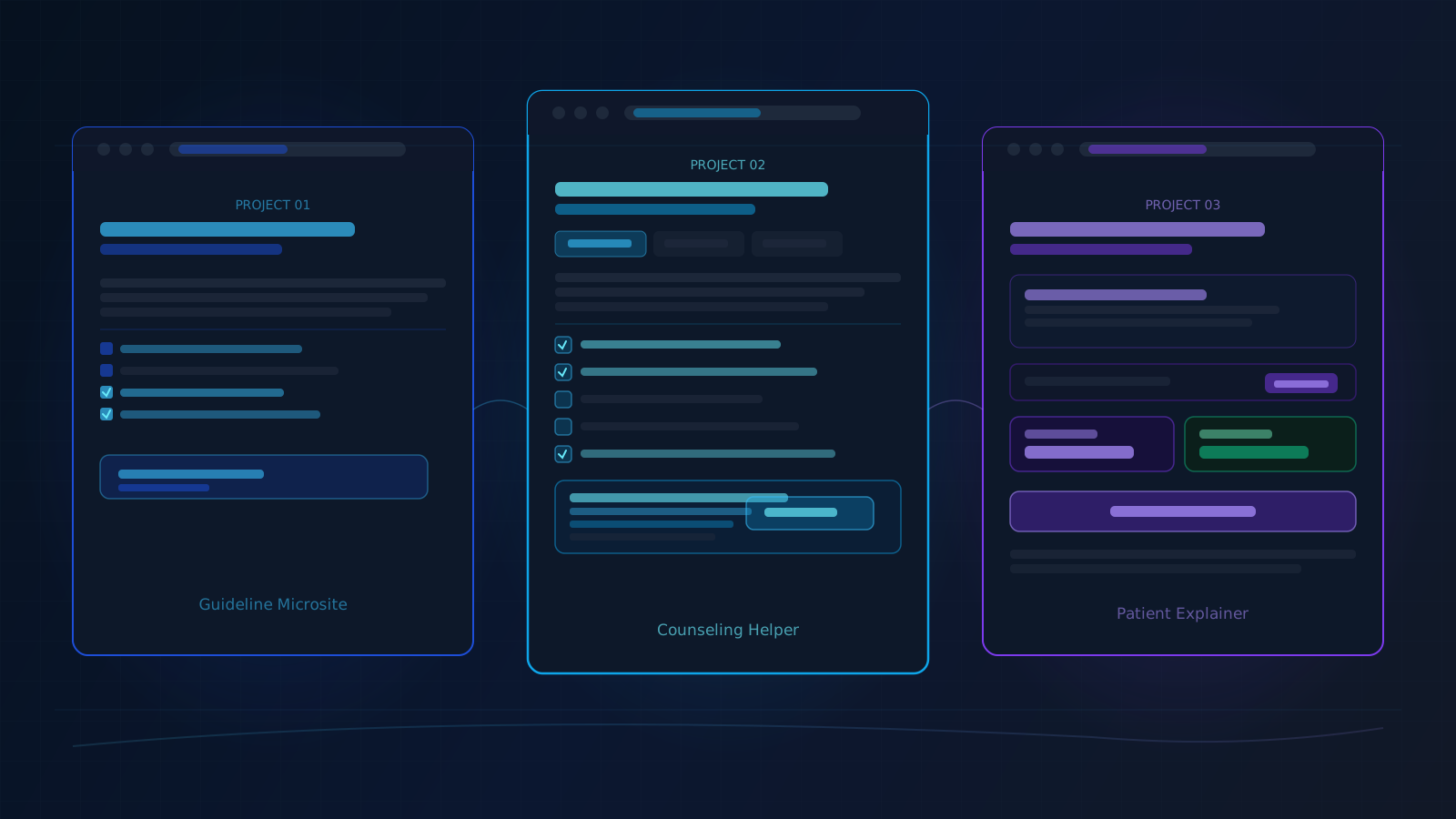
Three GitHub Projects Physicians Can Actually Finish
Most physician-developer projects fail not because the ideas are bad but because the first build is too large. Here are three that are sized to finish.

Stop Lurking: Why Physicians Should Start GitHub Before They Feel Ready
Most physicians assume GitHub is for real developers. That assumption is costing medicine. Here is why the barrier is not skill, and what to do instead.

Maternal-Fetal Medicine Specialist