MCP for Physician Developers, Part 1: Trace One Request
Learn how MCP connects a client to a research notebook through a physician's tested example of tool discovery, note search, and retrieval.
In This Lesson
Read with a defined objective.
Learning objectives
- Distinguish MCP, APIs, tool calling, retrieval and agents.
- Discover search_notes and get_note using an MCP client.
- Trace a search result ID into a full-note retrieval.
- Explain why successful retrieval does not establish scientific validity.
Prerequisites
- Node.js LTS, npm and basic terminal navigation for the linked exercise.
Learn to Code MCP for Physician Developers: From First Principles to a Working Cloudflare Project
Listen to this post
MCP for Physician Developers, Part 1: Trace One Request
Course lessons 1 lesson
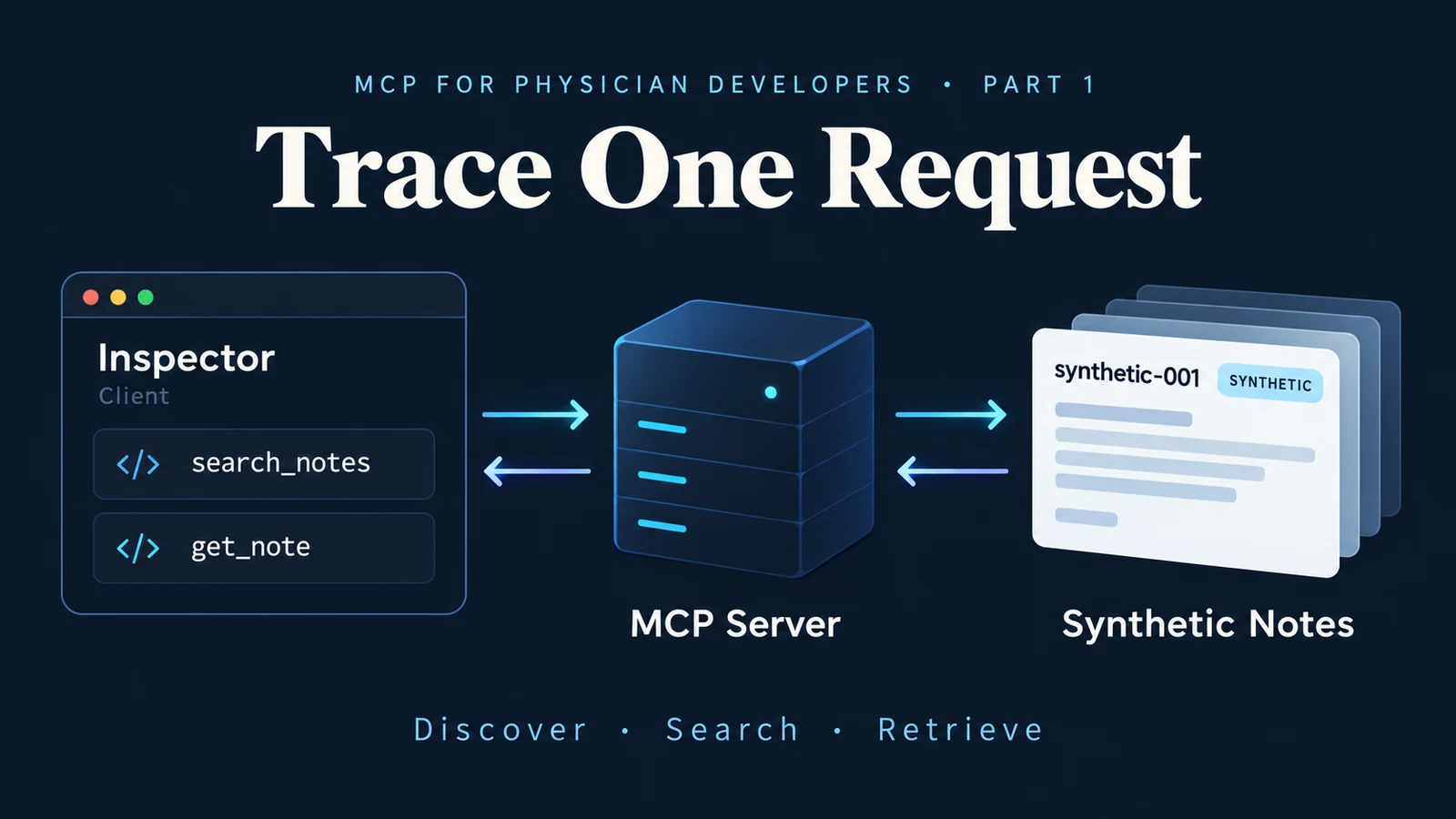
I searched a small teaching notebook for critical-reading and received one matching entry: synthetic-001. I was using MCP Inspector, an application that lets developers test the connection between software programs and see the information they exchange.
I then requested the complete note using that identifier. The response included its summary, topics, source information, date, and limitations. This was a fictional teaching example, clearly labeled as synthetic.
Inspector sent my requests to the local notebook server, the program responsible for searching and returning stored notes. I selected each action myself. No AI model was needed to find or retrieve the entry.
That exchange gives us a concrete starting point for the Model Context Protocol, or MCP: a shared set of rules that lets applications discover available operations and request their results. We can follow one request from beginning to end before adding an AI model.
Consider a physician preparing for journal club. A notebook may contain summaries, source details, and questions to revisit. Finding the right entry is one task. Deciding whether its contents are trustworthy is another responsibility. Software should make that distinction visible.
Our Physician Research Notebook starts with three original synthetic notes. They contain no patient information, real study findings, or clinical recommendations. This gives us a small collection we can inspect completely while learning the connection between a client and a server.
The initial project structure and code were created with coding-assistant help. My work in this first session was to run it, modify its data, test the change, and inspect actual tool calls. That distinction matters when describing what I have verified.
An application programming interface, or API, defines how one program requests something from another component. Our notebook has two operations: search_notes finds matching entries, and get_note retrieves an entry by ID.
Tool calling expresses a request as a named operation with structured arguments. Instead of typing a paragraph asking for information, a caller supplies a tool name and fields such as query or id. Here, query contains the search text, and id identifies a particular note. An input schema defines which fields are required and what values are allowed.
Retrieval is the work of selecting stored information. Our search tool uses literal text matching across titles, summaries, and topics. It ignores letter case. It does not interpret synonyms or search the medical literature.
MCP supplies a shared protocol for exposing and discovering capabilities and exchanging requests and results. A server describes the tools it offers, including their expected inputs. A compatible client can discover those descriptions and call the tools. The official TypeScript SDK provides the implementation used here. SDK means software development kit: a library of code for building clients and servers.
An agent adds another layer: a system may select actions across multiple steps toward a goal. Our server simply handles the requests it receives. It does not decide what research question to pursue.
In an AI application, the host manages the model interaction and uses an MCP client to connect to a server. A model could help select a tool or synthesize returned notes through that application. In my exercise, Inspector provided the client interface, and I chose the calls.
The first visible checkpoint was connection. Inspector showed the notebook server as connected and listed two tools. Discovery told the client what operations were available before I requested any note.
I selected search_notes and supplied critical-reading as the query. The server validated the input, searched the stored notes, and returned one match. Validation checks whether the request has an acceptable format, such as a nonempty search string. It does not determine whether the returned information is scientifically correct. The matching note’s ID gave me a precise input for the next call.
Inspector                     Local server               Stored notes
   |                               |                           |
   |-- discover tools ------------>|                           |
   |<-- names and input schemas ---|                           |
   |-- search_notes -------------->|-- match topic ------------>|
   |<-- ID, excerpt, source -------|<-- matching entry ---------|
   |-- get_note(synthetic-001) ---->|-- look up ID ------------->|
   |<-- full note -----------------|<-- complete record --------|
The arrows represent communication and retrieval. There is no model-generated answer in this sequence.
The local connection uses standard input and output, or stdio. Inspector launches the server process and exchanges protocol messages with it. The browser is the inspection interface; this prototype does not need a hosted website. The SDK’s stdio guide describes that arrangement.
Both tools retrieve stored information. search_notes returns matching IDs, excerpts, and source details. get_note returns the complete entry for one ID. The first helps locate a note; the second lets us examine it.
Provenance describes where information came from. Here, synthetic identifies an original fictional teaching example. The source title, web address, and DOI (a publication identifier) were null, meaning no value was provided. There was no publication to cite.
The noteDate field belongs to the notebook entry. It does not establish when research was published or how current its findings are. Retrieving a record successfully does not verify its contents. Evaluating evidence remains a human checkpoint.
Before opening Inspector, I had tested the same topic directly in code. I added critical-reading to the first note’s topics, then added a test with two expectations: exactly one note should match, and its ID should be synthetic-001.
The original nine tests became ten. All passed.
Then I removed the topic and ran the checks again. The new test failed. I restored the topic, reran the checks, and all ten passed. This small experiment showed that the test could detect the missing behavior.
My explanation in the learning journal was straightforward: “Checking the ID confirms we found the right note, not just any note.”
That test called the retrieval function directly. A separate automated test used an SDK client to launch the compiled server, discover its tools, and make calls over MCP. The SDK client guide explains those discovery and calling operations. Inspector then let me perform the successful search and retrieval interactively.
Each check answered a different question. The unit test checked the matching behavior. The integration test checked communication. Inspector let me examine the returned data myself.
For the practical exercise, download the Part 1 notebook and exercise guide. Extract the ZIP and open its README for installation commands, test commands, and Inspector instructions. This public teaching snapshot includes the code, synthetic notes, and tests needed to reproduce the exercise. No GitHub account or access to the private preparation repository is required.
The expected interactive result is two discovered tools, one match for critical-reading, and a complete record when that ID is passed to get_note. Record what actually appears, including errors. If the topic is already present in your checkout, the removal-and-restoration experiment demonstrates the test’s purpose.
MCP also supports resources, which expose readable context, and prompts, which provide reusable interaction templates. This project starts with tools. Resource and prompt demonstrations can follow when the chosen client supports them.
Part 2 will examine tool descriptions, input schemas, and missing-data behavior. In this exercise, I chose the action in Inspector, the client sent the request, and the server retrieved the note. If an AI application were connected later, its model could help choose a tool and compose an answer from the returned information. Which parts would remain the server’s responsibility?
A physician building with AI should be able to trace the information before asking a model to reason from it.
Related articles
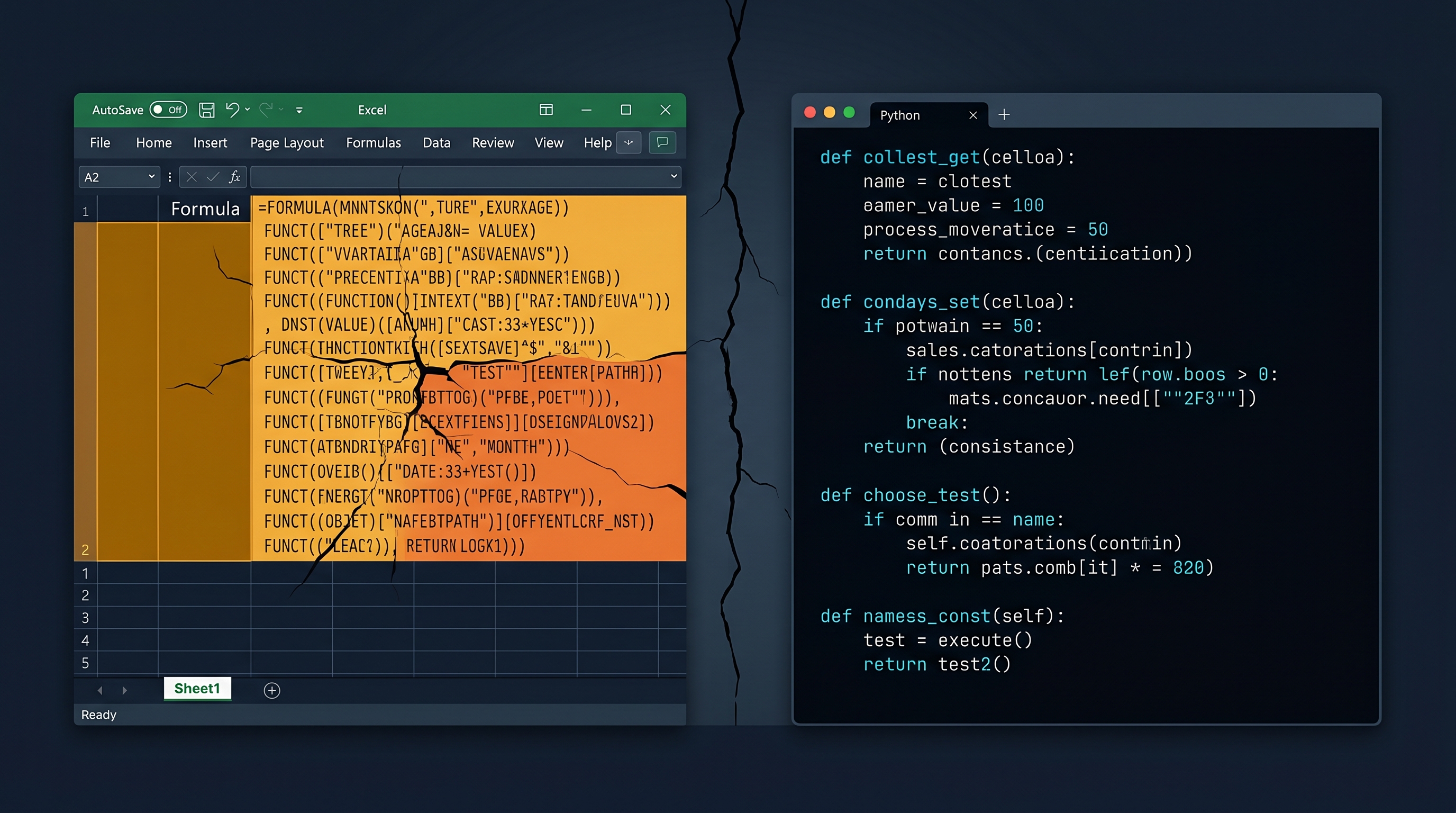
Why Your Clinical Calculator Needs Tests
A clinical calculator is not safer because it is written in code. It becomes safer when its expected behavior is explicit, checked, and protected from silent drift.

The Moment a Clinical Tool Becomes Infrastructure
A short introduction to a DoctorsWhoCode series on spreadsheets, tests, and retrieval as the basic discipline of physician-built clinical software.
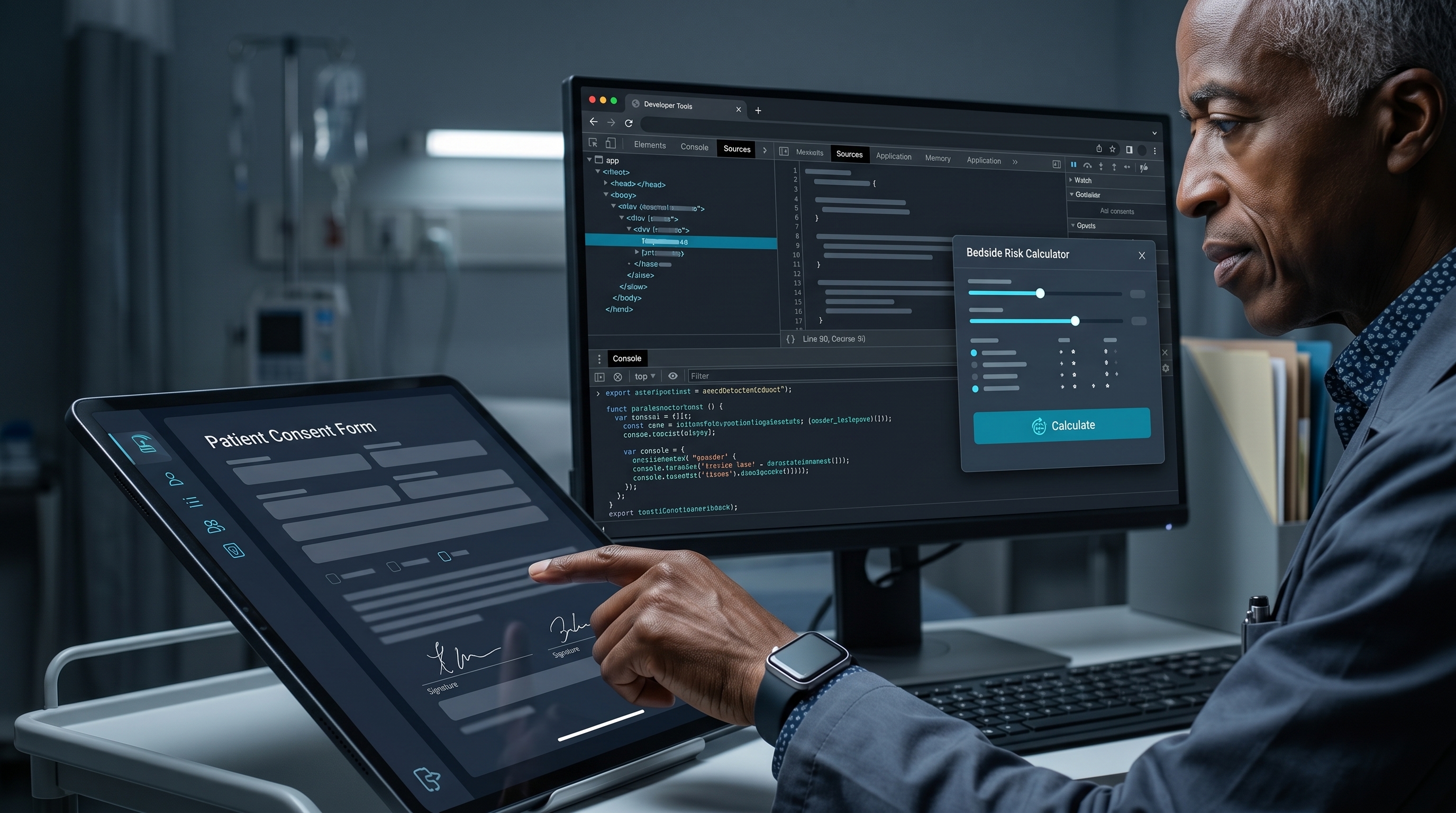
JavaScript: The Language Your Patients Already Run
Every patient portal, tablet consent form, and browser-based clinical tool already runs JavaScript. This is where physician-developers start changing what medicine feels like on a screen.

Maternal-Fetal Medicine Specialist