Why Every Physician-Developer Should Learn Markdown
Markdown is not just a writing format. For physician-developers, it is the connective tissue between clinical thinking, documentation, GitHub, AI workflows, and build-in-public learning.
Listen to this post
Why Every Physician-Developer Should Learn Markdown
On this page 12 sections
Most physicians do not need to start their coding journey by training a neural network.
They need to learn how to think in public, document clearly, preserve their work, and turn messy clinical insight into something another person, or another machine, can understand.
That is where Markdown comes in.
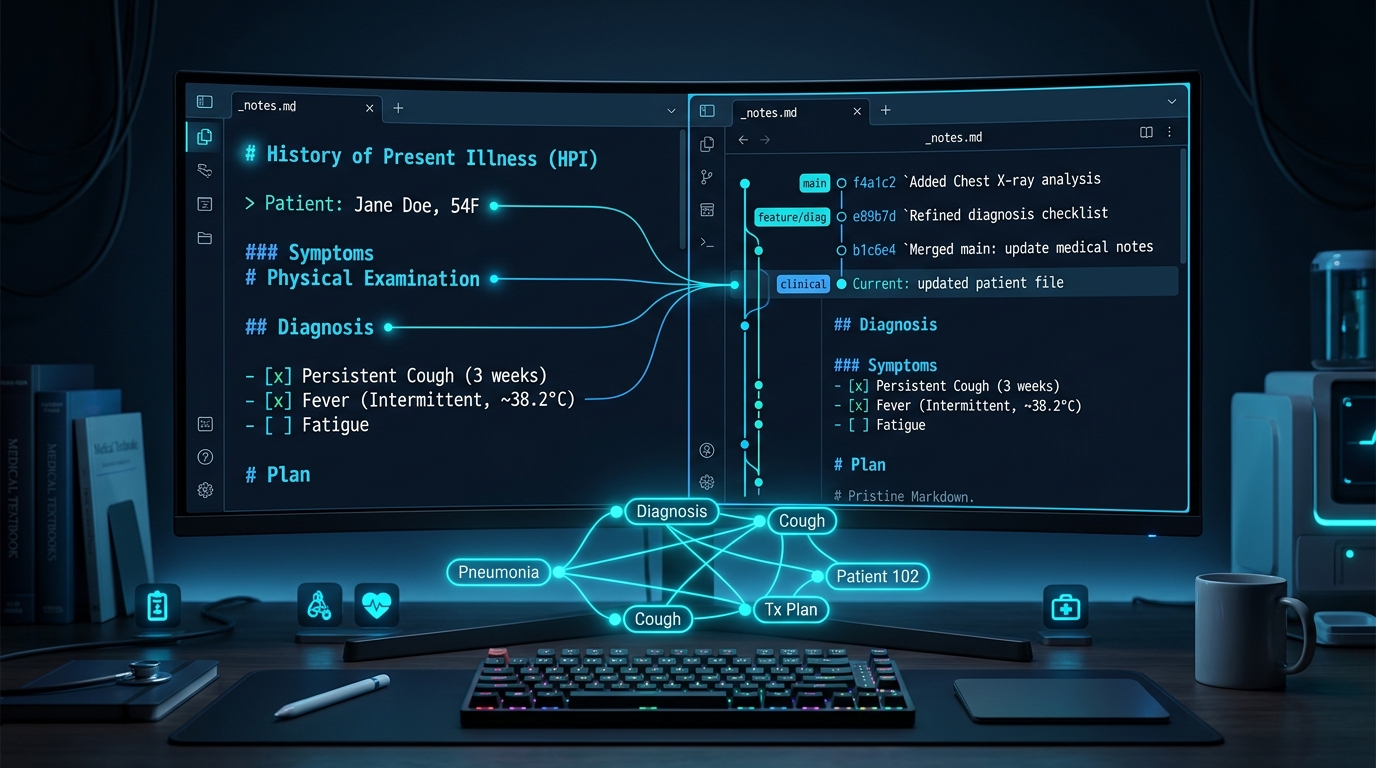
Markdown looks almost too simple to matter. A heading is just a #. A bullet point is just a -. A link is just text inside brackets followed by a URL in parentheses. It does not feel like programming. It does not feel like an intimidating software framework. It does not announce itself as an advanced technical skill.
For a physician-developer, Markdown is one of the highest-yield tools you can learn early.
It is the writing format behind GitHub READMEs, technical documentation, Obsidian notes, AI prompts, blog drafts, project plans, changelogs, and modern developer workflows. It is plain text that can travel anywhere. It is readable by humans, friendly to version control, and easy for AI systems to parse.
Markdown is not just a way to format notes. It is the bridge between clinical reasoning and software development.
Physicians Already Understand Structured Text
Physicians live inside structured writing.
Every day in clinic or on labor and delivery, we write histories, assessments, plans, operative notes, consults, handoffs, problem lists, and differential diagnoses. We are trained to compress biological complexity into patterns another professional can interpret in seconds.
Markdown gives physician-developers a lightweight way to bring that same structure into technical work.
A clinical note follows a defined pattern:
- Chief complaint
- History of present illness
- Pertinent positives and negatives
- Assessment
- Plan
A technical project note follows an identical mental rhythm:
- Problem
- Context
- Assumptions
- Approach
- Next steps
The cognitive move is familiar. The syntax is the easy part.
This distinction matters because many physicians get blocked by a common misconception: the belief that learning to code begins with writing code. It often begins before that. It starts with learning how to describe a problem clearly enough that software can eventually be written.
Markdown is the place where that description lives.
The README Is Often the First Real Artifact
For a new physician-developer, the most valuable first GitHub commit is rarely a Python script.
It is a README.md.
A good README answers the questions every clinical builder should be able to answer before touching a compiler:
- What problem am I solving?
- Who is this tool for?
- What does it do?
- What does it explicitly not do?
- What assumptions am I making?
- What would make this unsafe, incomplete, or misleading?
- What should I build next?
That is not administrative busywork. That is software architecture and clinical governance.
If you cannot explain the problem, you cannot safely automate it. If you cannot describe the boundary of a tool, you should not deploy it. If you cannot write down the workflow, you do not understand it well enough to hand it to an algorithm.
Markdown makes this discipline frictionless.
Create a file called README.md. Write the problem. Add a few headings. Add a list of features. Add a warning section. Add the next steps. Commit the file.
You have not merely started a repository. You have created a durable artifact of your clinical thinking.
Markdown Works Everywhere Physicians Build
One reason Markdown is so valuable is that it is never trapped inside one application.
You can write Markdown in Obsidian. You can publish it on GitHub. You can edit it in VS Code. You can feed it to static site generators like Astro. You can paste it into an AI prompt. You can convert it into HTML, PDF, slide decks, or documentation sites.
That portability is a superpower.
Physicians are used to documentation systems that capture text but never liberate it. Notes get locked inside proprietary electronic health records. Smart phrases live inside a single hospital system. Templates do not travel cleanly when you change institutions. Clinical knowledge stays trapped in the silo where it was entered.
Markdown is the opposite.
It is plain text. It is easy to move, version, search, and diff.
For a physician-developer, that means your learning trail becomes a real, compoundable body of work:
- Project notes and research in Obsidian
- Architecture READMEs on GitHub
- Article drafts for Doctors Who Code
- Reusable prompt libraries for AI workflows
- Technical specifications for small clinical utilities
- Decision logs for prototypes
- Runbooks for automated data tasks
The same plain-text syntax supports all of it.
Separating Content from Presentation
Markdown teaches a quiet but foundational software engineering lesson: separating content from display.
In a word processor, formatting is visual-first. You think in font sizes, custom bolding, margins, line spacing, and manual alignment.
In Markdown, you think strictly in semantic structure.
This is a heading. This is a list. This is a callout. This is code. This is a link. This is a table.
That shift matters because software depends on structure. Web pages separate semantic markup from styling rules. APIs separate raw data payloads from visual user interfaces. Reliable documentation separates medical facts from decorative styling.
Markdown builds that developer instinct immediately.
Obsidian Turns Markdown into a Clinical Knowledge Base
Many physicians are drawn to Obsidian because it works as a local personal knowledge management system. But the most important feature of Obsidian is not the graph view or community plugins.
The key feature is that Obsidian stores your notes as plain Markdown files on your local drive.
That means your notes belong to you. They are not trapped in a proprietary cloud database. They can be opened outside Obsidian. They can be searched with terminal tools, parsed with Python, versioned with Git, and backed up anywhere you choose.
For a physician-developer, this creates an ideal laboratory:
# Prior Authorization Tracker

## Problem
Our clinical team loses hours every week tracking prior authorization status across fragmented payer portals.

## Users
- Medical Assistants
- Clinicians
- Billing Staff

## First Version Scope
A simple local dashboard tracking request date, payer, medication, status, and next action.

## Safety and Scope Boundaries
- No protected health information (PHI) in the prototype
- No automated payer submission
- No automated clinical decision-making
That is not executable code yet. But it is the architectural foundation of a clinical software project.
AI Understands Markdown Natively
Markdown has become one of the primary languages of AI-assisted engineering.
When you give an LLM a structured Markdown prompt, the output improves immediately. Headings establish clear task scopes. Bullet points define hard constraints. Tables specify data structures. Code fences protect syntax. Checklists define deterministic acceptance criteria.
A vague prompt produces vague code:
“Help me build an app for prior authorizations.”
A structured Markdown prompt produces an actionable specification:
# Task
Design a first version of a prior authorization tracker.

## Context
Outpatient maternal-fetal medicine practice managing high-cost medication workflows.

## Constraints
- Do not include PHI; use synthetic identifiers.
- Keep the first version lightweight using SQLite.
- Include explicit status states: Draft, Submitted, Payer Review, Approved, Denied, Appealed.

## Output
Return:
1. A minimal relational data schema
2. Core user stories for clinic staff
3. A starter README outline
The second prompt is not magic. It is simply structured clinical reasoning made visible.
As AI coding agents become faster and more capable, the physician’s role shifts. You do not need to type every line of boilerplate code by hand. You do need to define the clinical problem, guard safety boundaries, inspect generated outputs, and preserve medical truth.
Markdown is one of the most effective tools for that job.
Version Control Tracks Clinical Judgment
Markdown and Git work together seamlessly.
Because Markdown is plain text, Git tracks every line change. A sentence was added. A dosage constraint was updated. A checklist item was completed. A design decision was documented.
That matters in clinical technology.
If you build a tool that touches healthcare workflows, you need an audit trail of your reasoning. Why did you choose this workflow? When did you add this clinical exclusion criterion? What changed after feedback from nursing staff, billing specialists, or patients?
Markdown turns that history into readable, inspectable records.
Version control on GitHub is not only for code. It is also for clinical judgment. Your README, decision logs, validation checklists, and safety assumptions deserve permanent history.
Lowering the Barrier to Building in Public
Building in public as a physician does not mean exposing patient records. It does not mean distributing untested clinical software irresponsibly.
It means creating a visible learning trail.
Markdown makes this practice straightforward. You can publish small, focused artifacts:
- A README explaining the rationale behind a prototype
- A GitHub Gist with a prompt template for medical literature analysis
- A note documenting what broke during a local build
- A checklist for evaluating AI-generated clinical summaries
- A tutorial helping another clinician understand basic terminal tools
- A build journal entry explaining your next architectural decision
These artifacts help other physicians learn. They also force you to clarify your own thinking. A physician who writes clearly about a technical problem is already doing the essential work required to build responsibly.
A Minimal Markdown Vocabulary
You do not need to memorize hundreds of syntax rules. You only need the core elements you will use every day:
# Heading 1
## Heading 2
### Heading 3

- Unordered bullet point
- Second bullet point

1. Numbered step
2. Next step

**Bold text for emphasis**
*Italic text for secondary notes*
[Link text](https://www.doctorswhocode.blog)

> Blockquote or clinical note

`inline code or variable name`

```python
def calculate_gestational_age(lmp, current_date):
return (current_date - lmp).days // 7- Unfinished task
- Completed task
That compact syntax is enough to write technical specifications, project documentation, prompt libraries, repository READMEs, and published articles.

The objective is not syntax purity. The objective is removing friction between clinical thought and technical execution.

---

## A Practical First Markdown Project

If you are a physician learning to build software, try this exercise before writing your next application:

Create a Markdown file called `my-first-clinical-software-idea.md`.

Fill out this template:

```md
# Project Title

## Clinical Problem
What clinical or workflow frustration do I see repeatedly in practice?

## Target Users
Who experiences this problem: clinicians, nursing staff, patients, schedulers, or billing teams?

## Current Workflow
How is this handled today, step by step?

## Failure Modes
Where does delay, miscommunication, cognitive fatigue, or clinical risk enter the current system?

## Minimum Useful Tool
What is the smallest functional version that would solve part of the problem?

## Safety Boundaries
What should this tool explicitly never do?

## Data and Privacy
Could this workflow involve protected health information? How will I prevent PHI exposure in early prototypes?

## Immediate Next Step
What is the single smallest artifact I can write or commit this week?
If you complete that document, you have already completed the step that many abandoned software projects skip: you have clearly defined the problem and its constraints.
The Physician-Developer Advantage
Markdown will not turn you into a senior software engineer overnight.
It will, however, build the foundational habits that make sustainable engineering possible:
- Clear problem definition
- Structured technical documentation
- Portable, reusable knowledge
- Version-controlled clinical decisions
- Precise AI prompting
- Meaningful open-source collaboration
- A durable, compoundable learning trail
For physician-developers, these habits are not peripheral. They are the core work.
The future of healthcare software will not belong only to people who write code quickly. It will belong to clinicians who can translate messy clinical reality into software systems that are safe, useful, inspectable, and maintainable.
Markdown is one of the simplest ways to start that translation.
Open a text editor. Type a #. Name the problem. That is where the build begins.
Keep Going
Structured writing is the foundation of durable software engineering. Once you can document a problem clearly, version control gives that thinking a permanent home.
Next, read GitHub for Physicians: Why Version Control Changes How You Build.
If you are ready for a practical setup plan, read Your First Week on GitHub as a Physician: A Practical Starter Plan.
If you are still deciding where to start, read Stop Lurking: Why Physicians Should Start GitHub Before They Feel Ready.
Doctors Who Code Series
This post is part of the Doctors Who Code series, a practical roadmap for physicians who want to build software, understand clinical data, and move into medical AI without hype.
Related articles

GitHub Gists: The Most Underrated Tool Every Physician-Developer Should Be Using
GitHub Gists look like scratch space for code snippets. Used correctly, they become a version-controlled clinical reference library that decks, apps, and blog posts can all cite from a single source.

My Slides Became Code: Why I Use Marp for AI-Generated Presentations
Marp lets physician-builders turn reviewed knowledge into version-controlled, AI-assisted teaching decks without surrendering clinical responsibility.
Inbox to Insight: Building the DoctorsWhoCode Engine
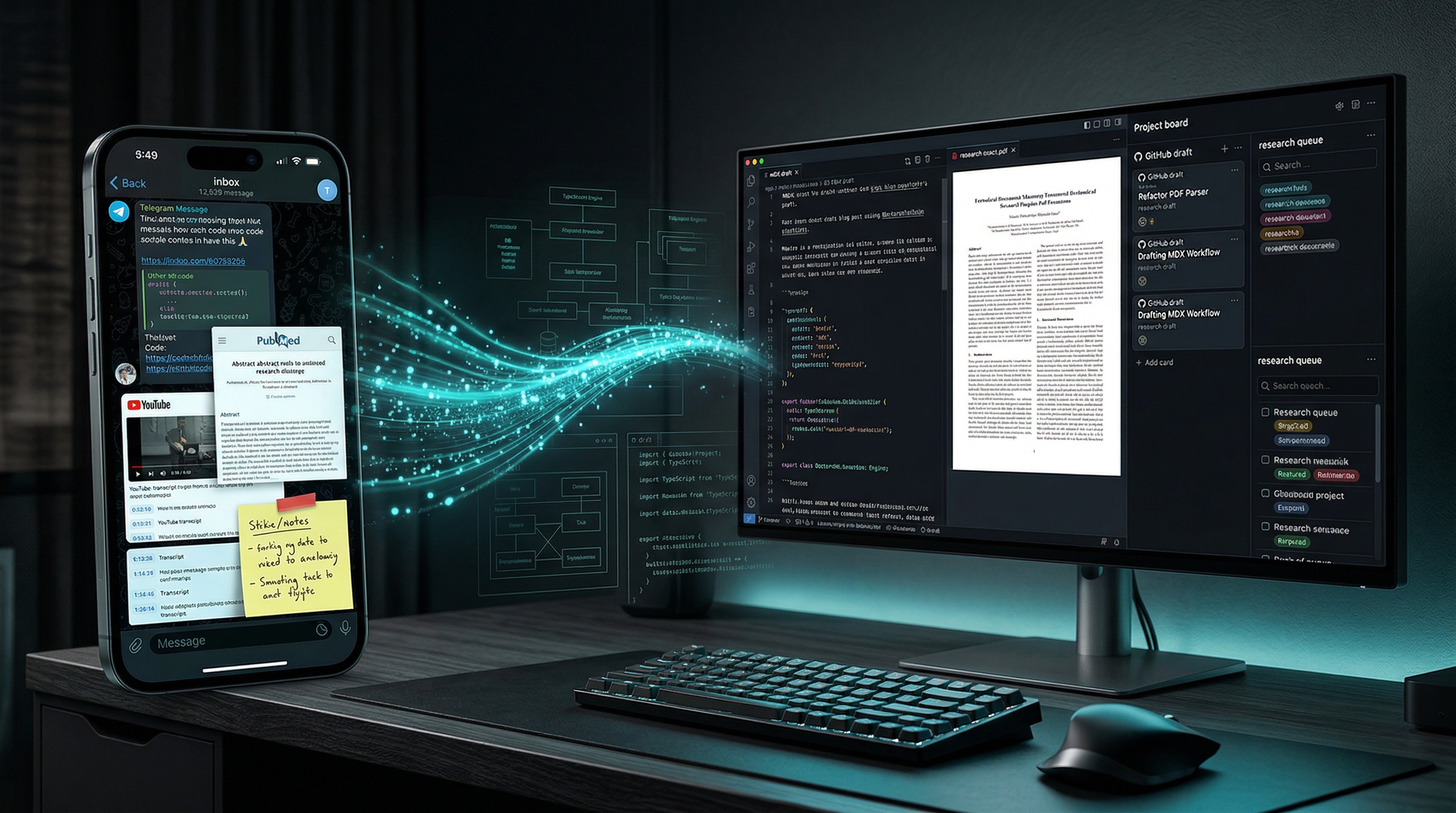
Physicians do not have an information problem. We have a conversion problem. Inside the Telegram-driven research engine I built to turn links, papers, transcripts, and videos into drafts, PDFs, and durable editorial records.

Maternal-Fetal Medicine Specialist