Omarchy for Physician-Developers: Build a Linux Development Lab
A beginner-friendly guide to turning a spare computer into a focused Omarchy workstation for Git, containers, AI coding agents, and small clinical software projects.
Listen to this post
Omarchy for Physician-Developers: Build a Linux Development Lab
On this page 36 sections
The first USB drive failed.
The second attempt began on a Windows laptop with a fresh USB stick. Then the Lenovo ignored F2, refused to open the firmware menu, and behaved as though the entire project had been rejected at triage.
This was supposed to be a weekend experiment.
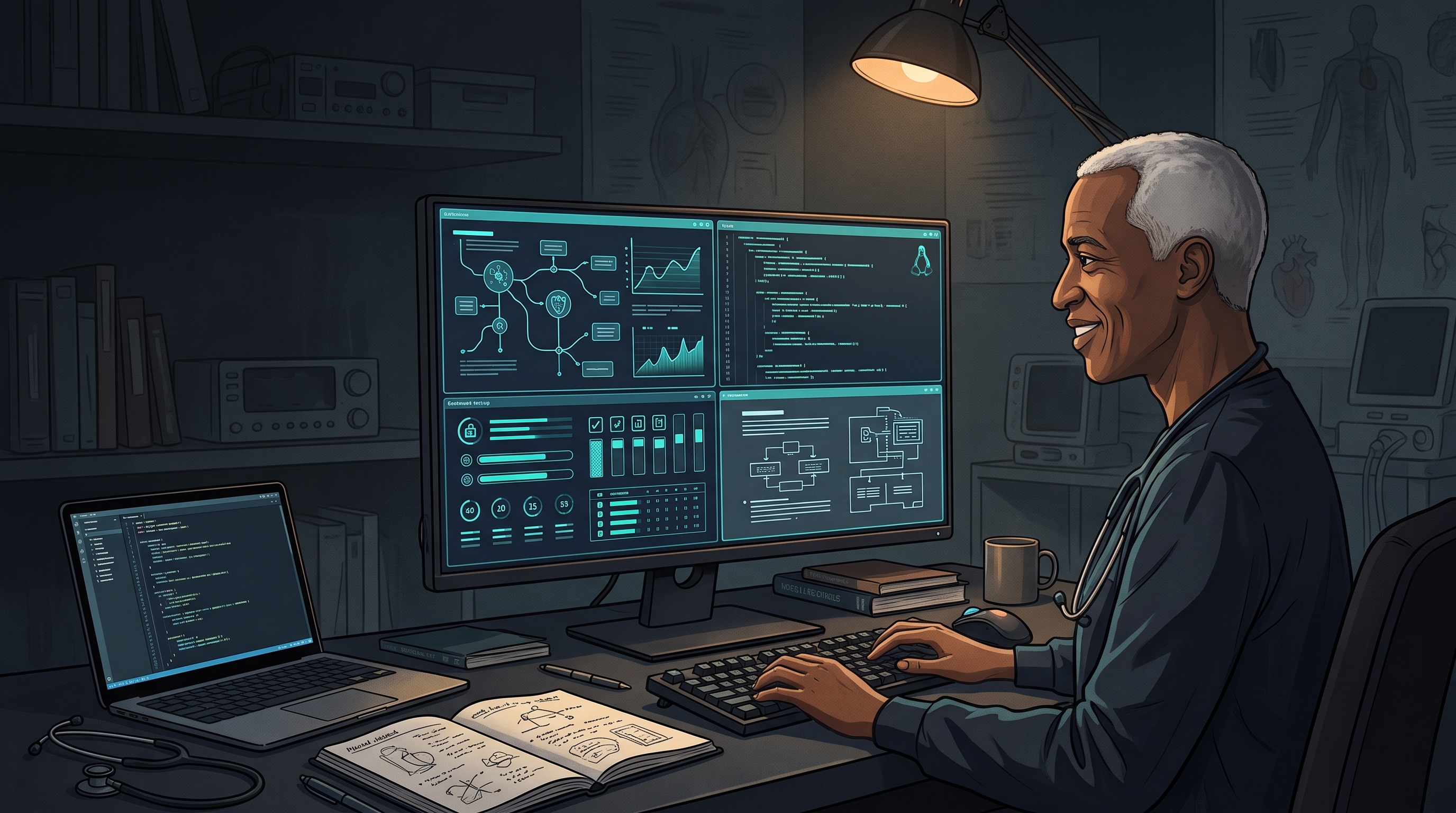
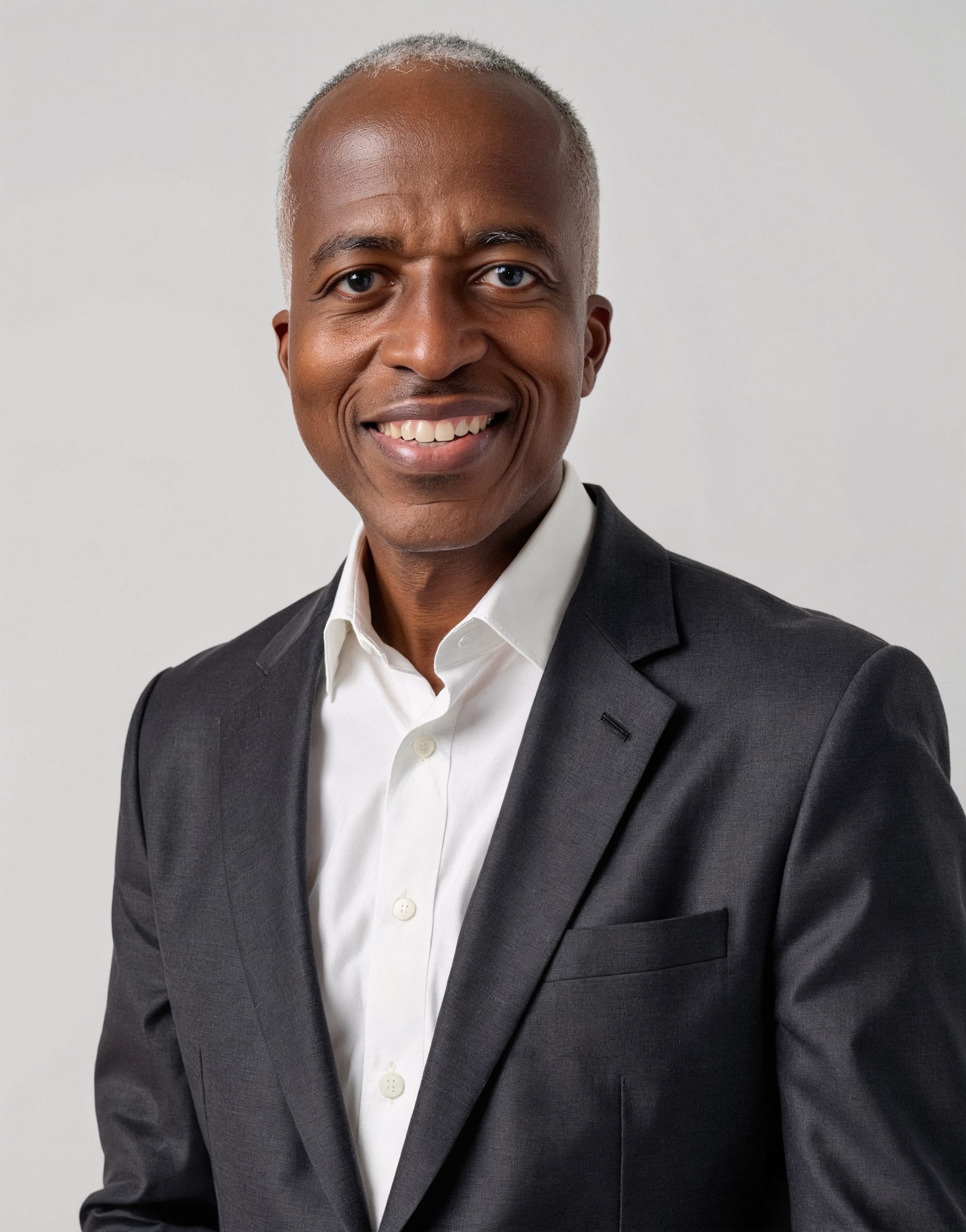
I am a maternal-fetal medicine physician. I also build software. That means I work at a difficult border: the place where clinical ambiguity must become explicit logic without losing the judgment that made the logic safe.
I wanted a computer designed for that border.
Not another place for email, videoconferences, the electronic medical record, and the administrative sediment of modern medicine. I wanted a separate machine where I could read evidence, define a clinical problem, write code, work with an AI agent, run tests, and document what I learned.
By the end of the weekend, a spare Lenovo ThinkBook had become an encrypted Omarchy workstation.
It had become a development laboratory.
This guide explains how to build one without trying to become a Linux expert first.
Version note: Omarchy changes quickly. This article reflects the current Omarchy Quattro workflow in August 2026. Confirm installation details in the official manual before erasing a drive or changing firmware settings.
I. The Short Recommendation
Install Omarchy on a spare Intel- or AMD-based laptop or desktop.
Do not begin with the only computer you need for Monday’s clinical work. Do not begin with a machine that stores patient information. Do not begin by replacing every tool you already know.
Use the machine to learn one complete development loop:
Clinical question
      ↓
Evidence review
      ↓
Explicit specification
      ↓
Synthetic test cases
      ↓
Implementation
      ↓
Automated tests
      ↓
Physician review
      ↓
Versioned release
That is the purpose of the workstation.
The operating system is infrastructure. The finished, reviewable project is the outcome.
II. What Omarchy Actually Is
Omarchy is an opinionated Linux distribution created by David Heinemeier Hansson. It combines Arch Linux, the Hyprland tiling window manager, a desktop shell, and a curated collection of development tools.
The word opinionated matters. Most Linux systems ask the user to choose almost everything. Omarchy makes many of those decisions in advance.
| Layer | What it does |
|---|---|
| Arch Linux | Provides the operating-system foundation and software packages |
| Hyprland | Arranges application windows automatically across tiled workspaces |
| Omarchy interface | Provides menus, shortcuts, themes, updates, and system controls |
| Development tools | Integrates GitHub, editors, language runtimes, terminals, and containers |
| AI tools | Makes terminal-based coding agents available inside the development workflow |
This is the default dividend.
A coherent default returns time that would otherwise be spent comparing terminals, launchers, status bars, and configuration files. A physician can learn the environment first and change it later.
For the first month, accept the defaults unless something prevents you from working.
III. Treat the Machine as a Laboratory
Most computers in clinical life are consumption devices. We consume charts, reports, messages, schedules, dashboards, and alerts. Even when we enter data, we work inside someone else’s model of the clinical workflow.
A development machine reverses that relationship.
It gives the physician a place to ask:
- What decision is being made?
- Which evidence should govern it?
- Which inputs are necessary?
- Where does clinical judgment enter?
- Which uncertainty must remain visible?
- What should software calculate, validate, or refuse to do?
- How will I know when the implementation is wrong?
At Doctors Who Code, I think of the translation this way:
Evidence → Algorithm → Physician → SoftwareThe order matters.
Evidence does not jump directly into code. The physician interprets the literature, defines the clinical state, resolves exceptions, and decides which parts can safely become explicit logic. Software implements that reasoning in a form that can be tested.
AI can accelerate this work. It does not sit above it.
IV. Choose the Safest Installation Path
A spare computer is the best first choice. It contains the consequences of a failed update, an unsupported device, or an experimental configuration.
A comfortable beginner machine has:
- a reasonably recent Intel or AMD processor;
- at least 16 GB of memory;
- a 256 GB or larger solid-state drive; and
- working Wi-Fi, audio, keyboard, and display support.
More memory helps with several containers, local models, or a Windows virtual machine. More storage helps with Docker images and virtual disks. Neither replaces a backup.
Before installation, test the ordinary hardware: Wi-Fi, Bluetooth, webcam, microphone, sleep and wake, external monitors, docks, and the trackpad. Linux compatibility is practical, not philosophical. The hardware either works or it does not.
Full-disk installation
This is the cleanest route for a dedicated development machine. It erases the selected drive and gives the entire computer to Omarchy.
Confirm the drive model and size immediately before approving the erase.
Dual boot
Dual boot preserves Windows beside Omarchy. It also adds partitioning, encryption, and recovery complexity. Follow the current official dual-boot guide rather than an older video or forum post.
For a beginner with access to a spare computer, I would choose the dedicated installation.
V. Before You Erase Anything
- I am using a spare machine or have a tested recovery plan.
- I copied every needed file off the target drive.
- I opened files from the backup to verify it.
- I downloaded the ISO from the official Omarchy website.
- I can identify the internal drive by model and size.
- I recorded the original firmware settings.
- I have a wired or 2.4 GHz keyboard for the startup encryption password.
- I understand that a full-disk installation is destructive.
- I decided that this machine will not contain identifiable patient information.
The current installer may require changes to Secure Boot or TPM settings. Record the original state before changing them. Full-disk encryption and verified boot address different threats.
On a personal laboratory containing public literature, source code, and synthetic data, you may accept that tradeoff. On an organization-managed computer, it requires formal review.
VI. Install Slowly at the Irreversible Step
The installation path is short:
- Download the current ISO from Omarchy.org.
- Write the image to a USB drive with a trusted image-writing tool.
- Open the computer’s boot or firmware menu.
- Make the changes required by the current installer.
- Boot from the USB drive.
- Choose the keyboard, network, account, encryption, and target drive.
- Read the final disk summary.
- Confirm only after the device identity is correct.
- Remove the USB drive when installation finishes and restart.
Keep LUKS full-disk encryption enabled. Use a long, memorable encryption password and store a recovery copy securely.
Bluetooth is unavailable before the operating system starts. A Bluetooth-only keyboard cannot enter the startup password. That small detail can create a large problem at the wrong moment.
The governing rule is simple: slow down when the next click is irreversible.
VII. Your First Hour: Do Less
The first temptation is to customize the new system until it no longer resembles what you installed.
Resist.
If you change the window manager, terminal, editor, theme, bindings, and startup services at once, you will not know whether the next problem came from Omarchy or from you.
Begin with five actions.
1. Learn the rescue keys
On a Windows keyboard, Super is the Windows-logo key.
| Action | Shortcut |
|---|---|
| Open the Omarchy menu | Super + Space |
| Show the hotkey reference | Super + K |
| Open a terminal | Super + Return |
| Open a browser | Super + Shift + Return |
| Open the file manager | Super + Shift + F |
| Move focus | Super + Arrow |
| Change workspace | Super + 1/2/3/4 |
| Move a window to a workspace | Super + Shift + 1/2/3/4 |
| Toggle full screen | Super + F |
| Close the focused window | Super + W |
| Lock the workstation | Super + Ctrl + L |
Memorize Super + K first. It makes the rest of the system learnable.
2. Update through Omarchy
Open a terminal and run:
omarchy updateRemain on the stable update channel while learning. Update when you have time to inspect the result, not five minutes before a lecture or flight.
3. Test the baseline
Confirm Wi-Fi, sound, microphone, camera, sleep, external displays, and the keyboard before installing more software. Record what fails.
4. Configure a password manager
Secrets need a deliberate home. API keys, recovery codes, SSH credentials, and database passwords do not belong in source files, screenshots, terminal history, or AI prompts.
5. Choose a familiar editor
Omarchy includes Neovim. You do not need to learn Linux, Git, Hyprland, and modal editing during the same weekend.
Install a familiar editor and set it as the default. Neovim will still be there later.
VIII. Use Workspaces as Clinical Contexts
Hyprland arranges windows automatically. The first terminal takes the screen. The browser opens beside it. A third application causes the layout to adjust again.
At first, this feels like the computer is making decisions without consent.
Then it begins to feel like the computer is helping.
Organize workspaces by cognitive task:
| Workspace | Function |
|---|---|
| 1 — Evidence | Browser, journal articles, guidelines, and issue tracker |
| 2 — Build | Editor, repository, and application preview |
| 3 — Validate | Terminal, tests, logs, containers, and coding agent |
| 4 — Explain | Obsidian, diagrams, documentation, and article notes |
This creates a visible reasoning path:
Read → Define → Build → Test → ExplainThe arrangement is not sacred. The separation is useful.
The screen becomes a map of the work.
IX. Build the Development Foundation in Layers
Identity and GitHub
Configure the identity that should appear in commits:
git config --global user.name "Your Name"
git config --global user.email "you@example.com"
gh auth login
Create one predictable directory for development:
mkdir -p ~/Work
cd ~/Work
That directory creates a useful boundary. Coding agents should begin inside a defined repository, not in the home directory where unrelated documents and configuration may be visible.
Reproducible runtimes
Omarchy supports common development environments through its installation menu. Many language versions are managed with Mise.
Inside a repository that declares its runtime versions, run:
mise installProject-specific versions make the environment reproducible. A future contributor should not need to guess which version made the application work on your laptop.
Git as the recovery system for code
Begin a work session with:
git status
git pull --ff-only
After a small unit of work:
git diff
git status
git add -p
git commit -m "Describe the completed change"
git push
git add -p forces you to inspect changes in sections. That matters when an AI agent modifies five files for a task that appeared to require two.
Git does not replace judgment. It makes judgment recoverable.
Containers
Docker can run a local database or service without permanently installing it into the host system.
Use the security defaults until you understand the privilege tradeoffs:
sudo docker ps
sudo docker compose up -d
Before running an unfamiliar image, inspect its publisher, mounted directories, ports, privileges, secrets, and maintenance history.
A container is a boundary. It is not a certificate of trust.
The reasoning note
Code records implementation. It does not reliably preserve the clinical reasoning that preceded it.
Keep one project note with:
- the clinical problem;
- the intended user;
- evidence sources and dates reviewed;
- input definitions and units;
- inclusion and exclusion criteria;
- assumptions and unresolved questions;
- boundary cases;
- safety constraints; and
- deployment limitations.
The note is the bridge between medicine and code.
X. Give AI Agents a Harness
Omarchy treats terminal-based coding agents as development tools. An agent can inspect a repository, propose architecture, modify files, run tests, and explain failures.
That is more useful than copying code from a chat window.
It is also more consequential.
Launch the agent inside the intended repository:
cd ~/Work/your-project
codex
Begin with bounded work:
- “Inspect the repository and explain its architecture. Do not modify files.”
- “Propose a plan for adding input validation. Name the files that would change.”
- “Write tests for these three boundary conditions.”
- “Explain this failing test and distinguish evidence from inference.”
- “Implement the approved plan, then run the existing tests.”
Do not begin with: “Build the whole application.”
For every agent-assisted change, use the three-error check:
- What did it add? Inspect new files, dependencies, branches, and claims.
- What did it change? Review the diff and run the relevant tests.
- What did it leave out? Re-read the requirement, clinical exclusions, and boundary cases.
The same discipline applies when reviewing an AI-generated clinical note. Fluency can hide unsupported additions, meaningful alterations, and dangerous omissions.
The agent accelerates the work. The physician retains accountability.
XI. Keep a Bright Data Boundary
Full-disk encryption, a firewall, and sensible network defaults are important.
They do not make a personal computer HIPAA-compliant. They do not satisfy a hospital’s security policy. They do not authorize production EHR access or the use of patient reports in AI prompts.
Use a bright line:
| Appropriate for the development laboratory | Requires organizational approval and governance |
|---|---|
| Public source code | Production EHR access |
| Synthetic patients created from scratch | Patient notes, images, reports, or identifiers |
| Public medical literature | Clinical or operational exports containing PHI |
| Educational algorithms | Research data governed by an IRB, DUA, or institutional policy |
| Invented local test records | AI prompts, transcripts, or logs containing clinical information |
My rule is deliberately strict:
If the information originated in the care of a real patient, it does not enter the personal Omarchy development environment unless the organization has explicitly approved the system and the data workflow.
That includes screenshots, copied reports, ambient-scribe transcripts, terminal logs, agent prompts, local databases, notes, and Git history.
Strict boundaries are easier to follow than improvised exceptions.
XII. Recovery Requires Three Layers
Omarchy can create a system snapshot before an update. A snapshot can help recover the operating system after a failed change.
It does not replace Git. It does not replace a backup of the home directory.
Use three recovery layers:
- Git and GitHub for source-code history.
- A separate backup or approved synchronization system for notes, personal files, and dotfiles.
- Omarchy snapshots for operating-system recovery.
This is the three-layer recovery model.
Each layer protects a different failure. Three tools can use the word restore while preserving three different things.
XIII. Build One Small Clinical Project
The first project should not be a production medical device, an autonomous diagnostic agent, or an EHR integration.
Build something small, synthetic, and finishable.
An evidence-to-algorithm calculator is a good first project. It can:
- accept explicitly defined clinical variables;
- validate units and allowable ranges;
- calculate a published score or classification;
- display the formula or decision path;
- cite the evidence source and review date;
- state its limitations;
- test values below, at, and above each threshold; and
- avoid storing user-entered information.
The important work occurs before the interface becomes attractive.
Define every variable. Separate missing data from a negative finding. Write the inclusion and exclusion rules. Construct synthetic boundary cases. Then build.
The physician is not merely learning to code.
The physician is teaching the software what the clinical concept means.
XIV. A Seven-Day Start
Day 1 — Establish the baseline
Install Omarchy on the spare machine. Confirm encryption. Update the system. Test networking, audio, camera, sleep, and displays.
Day 2 — Learn navigation
Practice the essential shortcuts. Create the Evidence, Build, Validate, and Explain workspaces. Avoid customization.
Day 3 — Establish identity and recovery
Configure the password manager, Git, and GitHub. Create ~/Work. Clone a disposable repository. Review, commit, and push one harmless change.
Day 4 — Install the development stack
Choose an editor. Install the required language runtime. Run an existing project’s tests.
Day 5 — Add containers
Start a local service with Docker Compose. Inspect its ports and mounts. Stop the environment when finished.
Day 6 — Introduce the coding agent
Launch it inside the disposable repository. Ask it to inspect without changing files. Approve one bounded task. Review the complete diff and run the tests.
Day 7 — Begin the clinical project
Write the problem statement. Identify the evidence source. Define inputs, outputs, exclusions, and edge cases. Create synthetic cases. Ask the agent for a plan, not a finished application.
By the end of the week, the accomplishment is not the wallpaper or terminal prompt.
It is a repeatable path from evidence to versioned software.
XV. The Honest Assessment
Omarchy did not make me more productive in the first hour.
It made me slower. I had to learn how windows moved, why they tiled, which key opened the menu, and how the system expected me to work. The installation included a failed USB drive, a second computer, and a firmware key committed to nonparticipation.
That friction was the price of changing my relationship with the computer.
Omarchy will not suit every physician. It suits the physician-developer who wants to understand more of the stack beneath an application, keep AI agents close to the code but below professional judgment, and maintain a bright boundary between experimentation and patient care.
The value is not Arch Linux or Hyprland.
The value is a disciplined place to build.
Not to make the physician look like a developer.
To give the physician a place to become one.
Quick Reference
NAVIGATION
Super + Space               Omarchy menu
Super + K                   Hotkey reference
Super + Return              Terminal
Super + Shift + Return      Browser
Super + Shift + F           File manager
Super + Arrow               Move window focus
Super + 1/2/3/4             Change workspace
Super + Shift + 1/2/3/4     Move window to workspace
Super + F                   Full screen
Super + W                   Close focused window
Super + Ctrl + L            Lock workstation

SYSTEM
omarchy update              Update Omarchy and packages
omarchy-snapshot create     Create a system snapshot

DEVELOPMENT
gh auth login               Authenticate GitHub CLI
git status                  Inspect repository state
git diff                    Review uncommitted changes
git add -p                  Stage changes interactively
mise install                Install project-declared runtimes
sudo docker ps              Inspect running containers
sudo docker compose up -d   Start the project stack
Sources and Further Reading
- Omarchy official website
- Omarchy manual
- Getting Started
- Hotkeys
- Development Tools
- AI Coding Agents
- Updates
- System Snapshots
- Security
This article is for physician and physician-developer education. Build and test with synthetic or properly de-identified data unless the environment has been explicitly approved for protected health information. Clinical deployment requires local validation, privacy and security review, institutional governance, and appropriate legal and regulatory assessment.
Related articles
The End of the Implementation Bottleneck: Why Clinicians Who Code Are the Future of Healthtech
AI agents are making implementation cheaper. In healthtech, the advantage moves to clinicians who can preserve clinical truth and supervise the architecture.
Why Every Physician-Developer Should Learn Markdown
Markdown is not just a writing format. For physician-developers, it is the connective tissue between clinical thinking, documentation, GitHub, AI workflows, and build-in-public learning.
Build the Minimum Viable Clinical Harness
A clinical AI workflow needs more than a model and a prompt. Build the smallest system that can scope, retrieve, generate, verify, challenge, approve, execute, and audit the work.
Maternal-Fetal Medicine Specialist