Postgres and Prisma: Where the Data Actually Lives
Clinical software becomes real when it remembers. This is the database layer that turns a one-off calculator into a longitudinal tool.
Listen to this post
Postgres and Prisma: Where the Data Actually Lives

On this page13 sections
There is a type of patient encounter that every physician has had: the patient who comes in for a follow-up and you have no record of the prior visit.
They moved. The chart did not transfer. The outside records never arrived. You are starting from scratch on a patient with a complicated history.
The clinical cost of missing longitudinal data is real. You order tests that were already done. You miss the pattern that only becomes visible across time. You ask questions the patient has already answered.
The same problem applies to clinical software. A calculator that resets on every visit is not a clinical tool. It is a novelty. A tool that remembers the previous visit, surfaces the trend, and flags the change from baseline — that is the tool that changes care.
The database is what makes software longitudinal.
Relational Thinking for Physicians
A relational database stores data in tables. Each table holds one kind of thing. Tables connect to each other through shared identifiers.
Physicians already think this way. A patient record is a collection of related tables. There is a table of encounters. A table of diagnoses. A table of medications. A table of lab results. A table of vitals. They are all connected by the patient identifier.
patients
  id          (primary key)
  mrn
  date_of_birth

encounters
  id          (primary key)
  patient_id  (foreign key → patients.id)
  date
  provider

lab_results
  id          (primary key)
  encounter_id (foreign key → encounters.id)
  test_name
  value
  unit
Every lab result belongs to an encounter. Every encounter belongs to a patient. You can ask: “Show me all labs for this patient across all encounters.” The database traverses the relationships to answer that question.
This is exactly how an EHR works underneath its interface. You are going to build a much simpler version.
Why Postgres
There are many database systems. SQLite, MySQL, MongoDB, Postgres. For physician-developers building clinical tools, Postgres is the right choice for three reasons.
First, it is open source and free. There are no licensing costs.
Second, it is what Railway (the hosting platform we use in Post 9) runs natively. Moving from local development to production requires no migration of the database system itself.
Third, it is the most capable open-source relational database. It handles complex queries, enforces data types strictly, and has extensions for specialized data types including time series and JSON. When your clinical tool needs to grow, Postgres has room.
What Prisma Is
Prisma is an ORM. ORM stands for Object-Relational Mapper.
You define your database structure in a schema.prisma file using Prisma’s syntax. Prisma reads that file and generates a TypeScript client that you use in your code. You never write raw SQL. You write TypeScript, and Prisma translates it.
Here is the difference.
Raw SQL:
SELECT r.* FROM risk_assessments r
JOIN patients p ON r.patient_id = p.id
WHERE p.id = '123'
ORDER BY r.created_at DESC
LIMIT 10;
Prisma:
const assessments = await prisma.riskAssessment.findMany({
  where: { patientId: "123" },
  orderBy: { createdAt: "desc" },
  take: 10,
});
Both return the same data. The Prisma version is TypeScript. Your editor autocompletes it. TypeScript validates it at compile time. If you misspell patientId, you get a compiler error before the code runs.
Prisma is to SQL what TypeScript is to JavaScript: a layer that adds safety and clarity to something that is powerful but unforgiving.
Hands-On: Adding Persistent Storage to the Risk Companion
We are adding a database to the Preeclampsia Risk Companion. The goal: save each risk assessment submission so it can be reviewed over time.
This requires a backend server to handle database writes securely. We will add a FastAPI backend. In Post 9 (deployment), this backend runs on Railway.
Install Prisma
In your Astro project from Post 6:
npm install prisma @prisma/client
npx prisma init
prisma init creates two files: prisma/schema.prisma and a .env file at the project root. The .env file holds your database connection string. It is listed in .gitignore by default. Do not remove it from .gitignore. Do not commit it.
Define the schema
Replace the contents of prisma/schema.prisma with:
// prisma/schema.prisma

generator client {
  provider = "prisma-client-js"
}

datasource db {
  provider = "postgresql"
  url      = env("DATABASE_URL")
}

model RiskAssessment {
  id         String   @id @default(cuid())
  createdAt  DateTime @default(now())

  // Risk factors selected (stored as arrays)
  highFactors      String[]
  moderateFactors  String[]

  // Computed result
  riskTier         String
  aspirinRecommended Boolean

  // Optional: gestational age at time of assessment
  gaWeeks          Int?

  // Optional: de-identified session ID for grouping repeat assessments
  sessionId        String?

  @@map("risk_assessments")
}
Each field type enforces what the database stores. String[] is a Postgres array column. Boolean is a boolean. Int? means optional integer. The ? suffix in Prisma means nullable, the same way T | null works in TypeScript.
The @@map("risk_assessments") directive controls the database table name. Prisma uses PascalCase for model names in code. The table in the database uses snake_case. The directive keeps both conventions correct.
Configure the database connection
Open .env and set your database URL. For local development, you need a running Postgres instance.
The fastest way to get one locally is Docker:
docker run --name risk-companion-db \
  -e POSTGRES_PASSWORD=localdev \
  -e POSTGRES_DB=riskcompanion \
  -p 5432:5432 \
  -d postgres:16
Then set the connection string in .env:
DATABASE_URL="postgresql://postgres:localdev@localhost:5432/riskcompanion"If you do not want to install Docker, Railway provides a free Postgres database you can connect to from your local machine during development. Post 9 covers Railway setup.
Run the migration
npx prisma migrate dev --name initPrisma reads the schema, generates the SQL to create the tables, runs it against your database, and saves the migration file to prisma/migrations/. The migration file is committed to version control. It is the history of every schema change.
Verify the table was created:
npx prisma studioPrisma Studio opens a browser-based GUI showing your database tables. The risk_assessments table is there, empty.
Generate the Prisma client
npx prisma generateThis reads the schema and generates TypeScript types for every model. After this runs, your editor knows the shape of a RiskAssessment object and will autocomplete its fields.
The FastAPI save endpoint
Create api/main.py:
# api/main.py
# FastAPI backend for the Preeclampsia Risk Companion.
# Handles saving risk assessments to Postgres via Prisma.

from fastapi import FastAPI, HTTPException
from fastapi.middleware.cors import CORSMiddleware
from pydantic import BaseModel
from prisma import Prisma

app = FastAPI(title="Preeclampsia Risk Companion API")

app.add_middleware(
    CORSMiddleware,
    allow_origins=["http://localhost:4321"],  # Astro dev server
    allow_methods=["POST"],
    allow_headers=["*"],
)

db = Prisma()


@app.on_event("startup")
async def startup():
    await db.connect()


@app.on_event("shutdown")
async def shutdown():
    await db.disconnect()


class AssessmentInput(BaseModel):
    high_factors: list[str]
    moderate_factors: list[str]
    risk_tier: str
    aspirin_recommended: bool
    ga_weeks: int | None = None
    session_id: str | None = None


@app.post("/api/assessments")
async def save_assessment(data: AssessmentInput):
    assessment = await db.riskassessment.create(
        data={
            "highFactors": data.high_factors,
            "moderateFactors": data.moderate_factors,
            "riskTier": data.risk_tier,
            "aspirinRecommended": data.aspirin_recommended,
            "gaWeeks": data.ga_weeks,
            "sessionId": data.session_id,
        }
    )
    return {"id": assessment.id, "createdAt": assessment.createdAt}


@app.get("/api/assessments")
async def list_assessments(session_id: str | None = None, limit: int = 20):
    where = {"sessionId": session_id} if session_id else {}
    assessments = await db.riskassessment.find_many(
        where=where,
        order={"createdAt": "desc"},
        take=limit,
    )
    return assessments
Install the Python dependencies:
pip install fastapi uvicorn prisma pydanticThe Prisma Python client needs its own initialization:
python -m prisma generateStart the API:
uvicorn api.main:app --reload --port 8000Wire the frontend to save assessments
Update src/components/RiskCalculator.tsx to POST the result after calculation:
// Add this function to RiskCalculator.tsx
async function saveAssessment(
  high: string[],
  moderate: string[],
  result: RiskResult,
  gaWeeks?: number
): Promise<void> {
  try {
    await fetch("http://localhost:8000/api/assessments", {
      method: "POST",
      headers: { "Content-Type": "application/json" },
      body: JSON.stringify({
        high_factors: high,
        moderate_factors: moderate,
        risk_tier: result.tier,
        aspirin_recommended: result.aspirinRecommended,
        ga_weeks: gaWeeks ?? null,
        session_id: getOrCreateSessionId(),
      }),
    });
  } catch {
    // Save failure is silent to the patient — it does not affect the result display
  }
}

// Simple browser-local session identifier — not a patient identifier
function getOrCreateSessionId(): string {
  const key = "risk-companion-session";
  const existing = sessionStorage.getItem(key);
  if (existing) return existing;
  const id = crypto.randomUUID();
  sessionStorage.setItem(key, id);
  return id;
}
Update the onCalculate function:
async function onCalculate() {
  const result = calculateRisk(highSelected, moderateSelected);
  setResult(result);
  await saveAssessment(highSelected, moderateSelected, result);
}
Run the dev server and the API simultaneously, submit a risk assessment, and open Prisma Studio. The row appears in risk_assessments.
The Risk Companion is now persistent.
What Can Go Wrong
npx prisma migrate dev fails with “connection refused.” Postgres is not running. Start your Docker container or connect to your Railway database. Verify the DATABASE_URL in .env is correct.
The TypeScript client has no autocomplete for Prisma models. Run npx prisma generate after any schema change. The generated client lives in node_modules/@prisma/client and is rebuilt each time.
A migration fails partway through. Prisma marks the migration as failed and locks the _prisma_migrations table entry. Do not manually edit migration files. Run npx prisma migrate dev --name fix-whatever with a corrected schema to generate a new migration that resolves the issue.
The Python Prisma client cannot find the schema. By default, the Python client looks for schema.prisma in the current directory. Run python -m prisma generate from the project root where prisma/schema.prisma lives.
CORS errors when the frontend calls the API. The FastAPI CORSMiddleware must list the exact origin of your Astro dev server, including the port. http://localhost:4321 and http://localhost:4321/ are treated as different origins by some browsers. Add both if needed.
Closing
The Risk Companion now remembers.
A patient who comes back for a follow-up can be shown their prior assessment. A physician reviewing a session can see whether the risk tier changed between the first and third trimester. The pattern across time — the thing that was invisible when the tool reset on every visit — is now visible.
This is what a database does for clinical software. Not technical sophistication for its own sake. Longitudinal memory. The difference between a chart that exists and one that is blank.
In Post 9, we take everything from this series and deploy it. The Astro front end goes to Vercel. The FastAPI backend and Postgres database go to Railway. The Risk Companion goes live.
Related articles
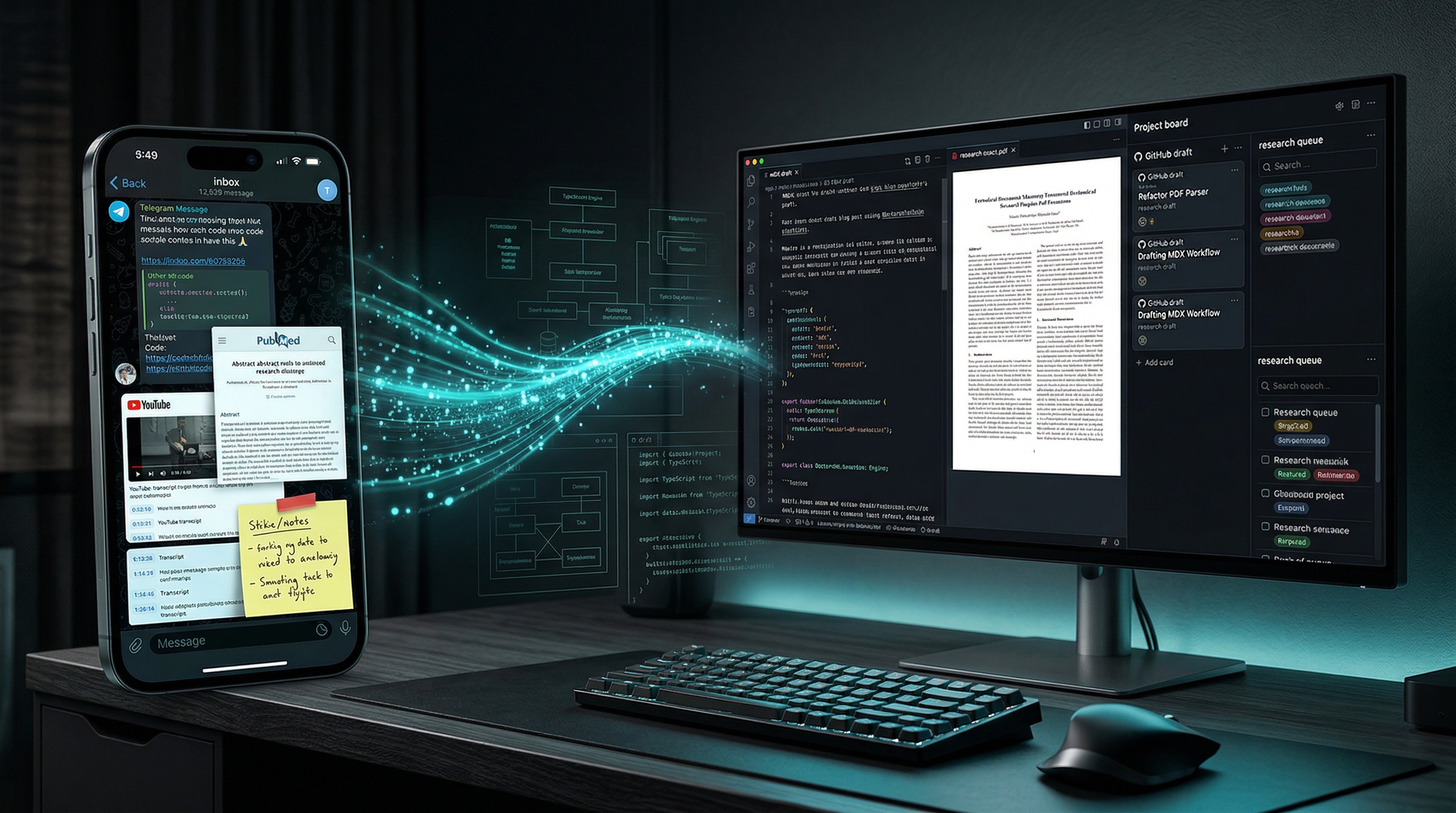
Inbox to Insight: Building the DoctorsWhoCode Engine
Physicians do not have an information problem. We have a conversion problem. Inside the Telegram-driven research engine I built to turn links, papers, transcripts, and videos into drafts, PDFs, and durable editorial records.

The Last Step Is Not Software. It Is Judgment.
Clinical software can execute protocol logic perfectly and still be wrong for the patient. The physician checkpoint must remain part of the architecture.

The Middle Path, Part I: Doomers, Dismissers, and the Physician Between Them
Assess AI claims through evidence, system design, and accountability. The first lesson in The Middle Path, with a clinical case and self-assessment.

Maternal-Fetal Medicine Specialist